Global Templates
A Global Template is a reusable, synced Section or Column. Drop it on as many pages as you like, and editing it once updates every page that uses it — because each instance is a live reference to a Snippet, not a copy.
This is different from a local Template (the existing Save as Template → Load Template), which inserts an independent copy each time.
Save a Section or Column as a Global Template
In the Page Builder, hover a Section or Column and click its Save as Template icon. In the dialog, turn on Save as Global Template and give it a name.
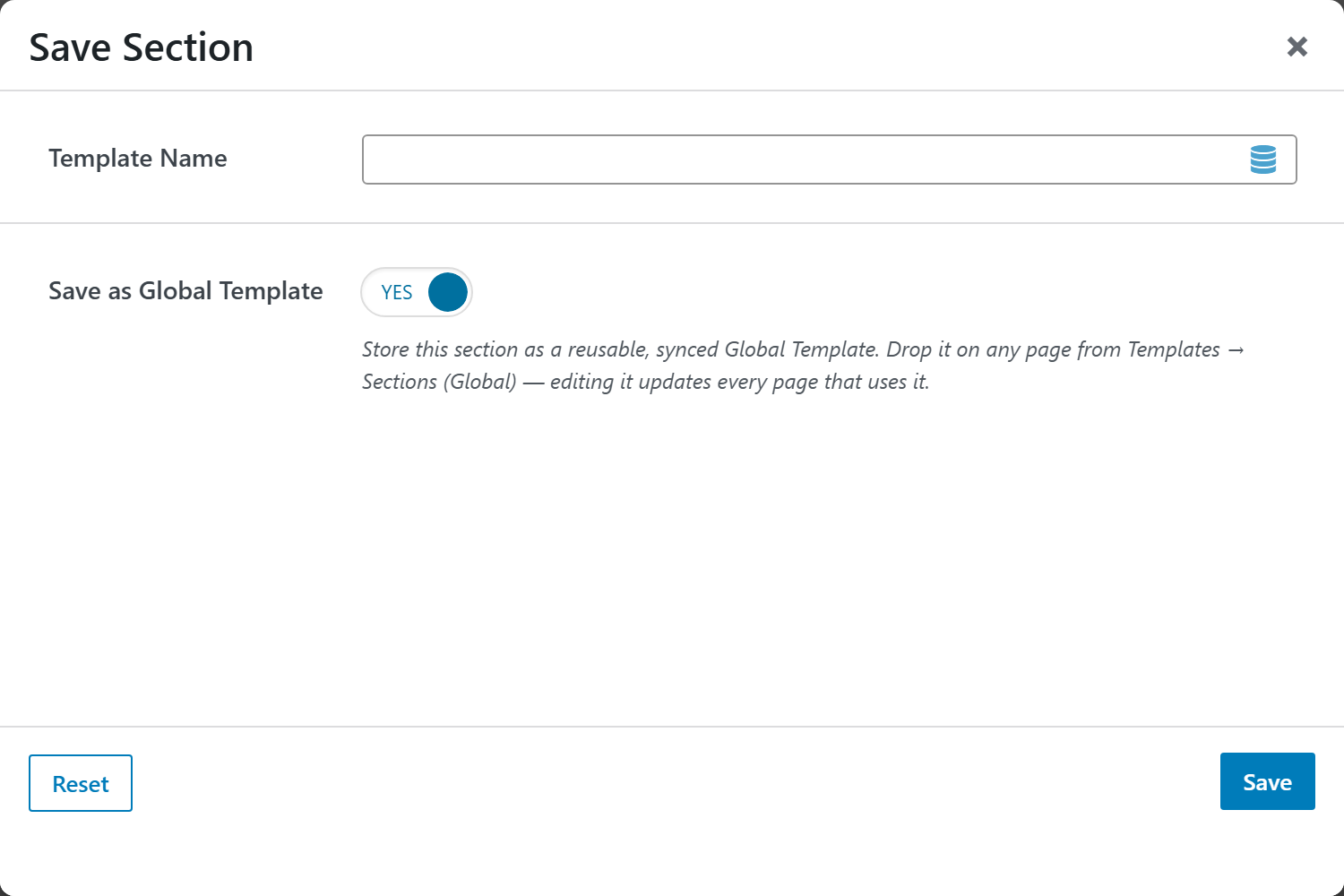
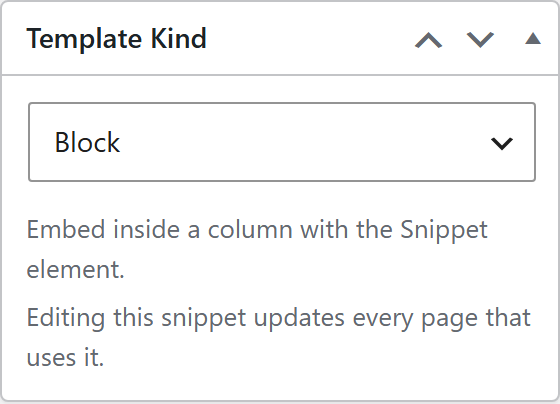
Saving creates a Snippet of the matching kind (Section or Column). You can also build one from scratch under Snippets and set its Template Kind — see Snippets.
Insert a Global Template
Open the Templates menu (top-right of the builder) and pick Sections or Columns. Your global templates appear under Load Template with a violet bullet and a (Global) tag.
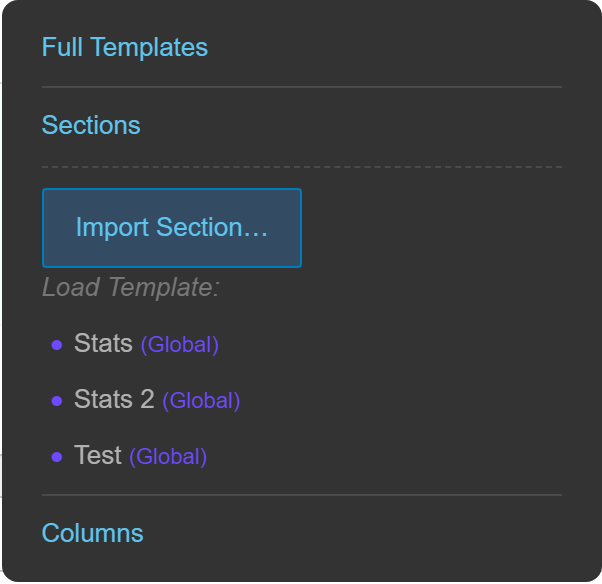
Clicking one inserts a synced reference:
- A Global Section drops at the root of the page (just like a Section).
- A Global Column drops into a Section as a real column, so it keeps its width and sits in a row alongside other columns.
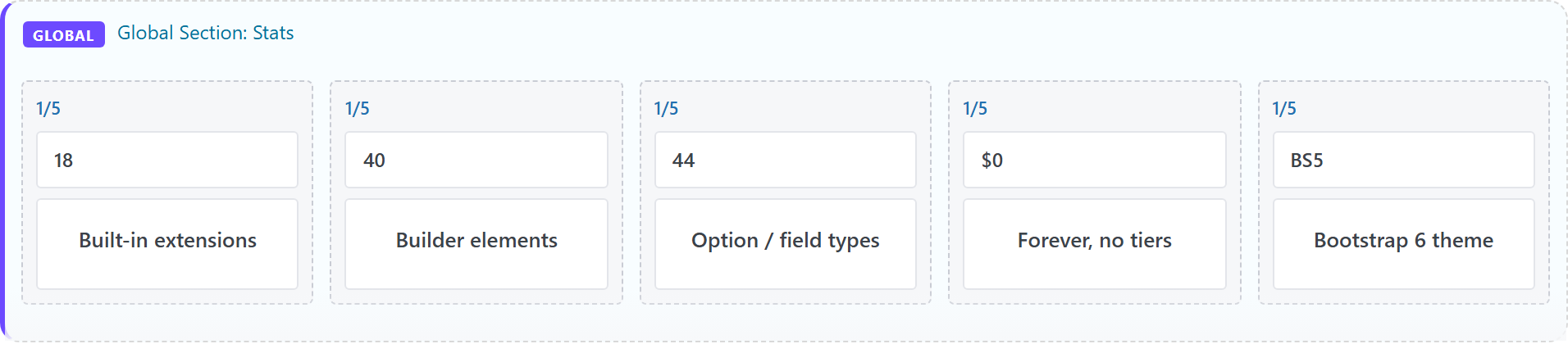
On the canvas a reference is marked with a violet accent and a GLOBAL badge, and shows a preview of its content so you recognize it at a glance:
Edit a Global Template
Editing the underlying Snippet updates every page that references it. Click the pencil (Edit Global Template) on a reference to open its Snippet in the builder, or edit it directly under Snippets.
Delete a Global Template
In the Templates menu, hover a global entry and click the ✕. It's moved to Trash (reversible) — pages that reference it simply stop showing it until you restore it.
The Template Library
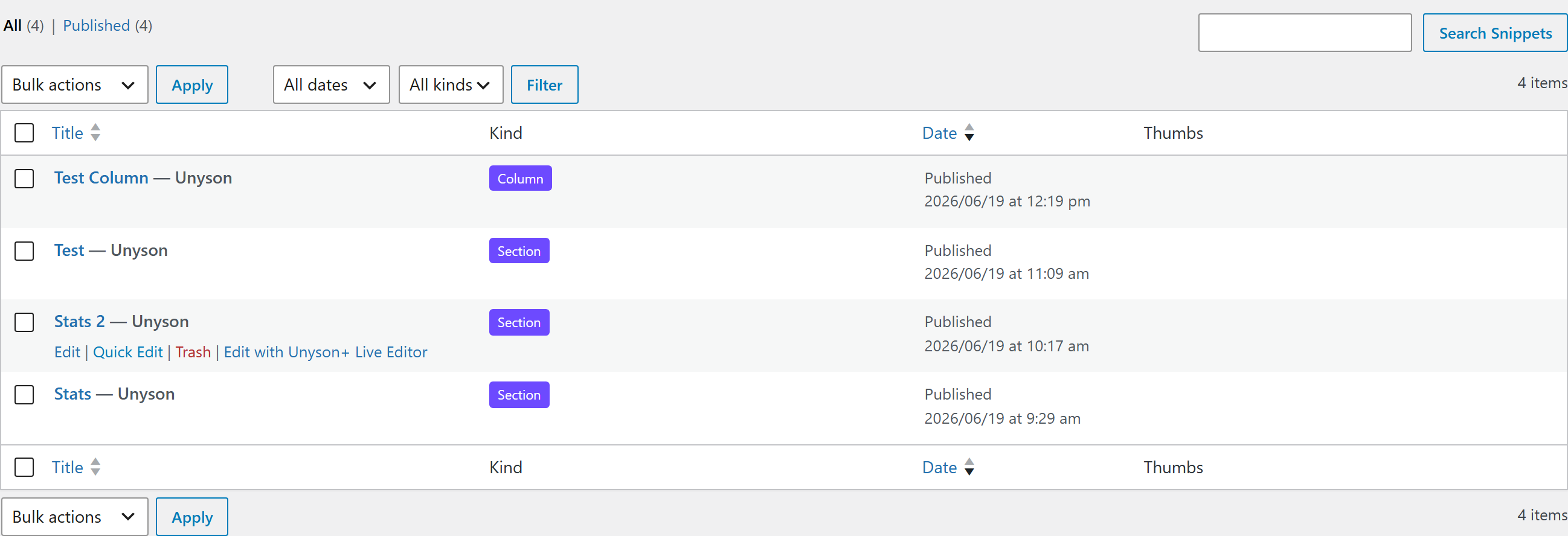
All global templates live under Snippets, where the Kind column and filter let you manage a large library at a glance.
Global Templates require the Snippets extension (it activates automatically). Section and Column kinds appear in the Templates manager; Block snippets are embedded inside a column with the Snippet element instead.