Post Types & Taxonomies
Create custom post types and taxonomies from the WordPress admin — no code required. Give each post type a name, key/slug, supported editor features and archive/hierarchy/menu settings; add taxonomies (like Categories or Tags) and attach them to one or more post types.
Post types created here can also be targeted by the Custom Fields extension.
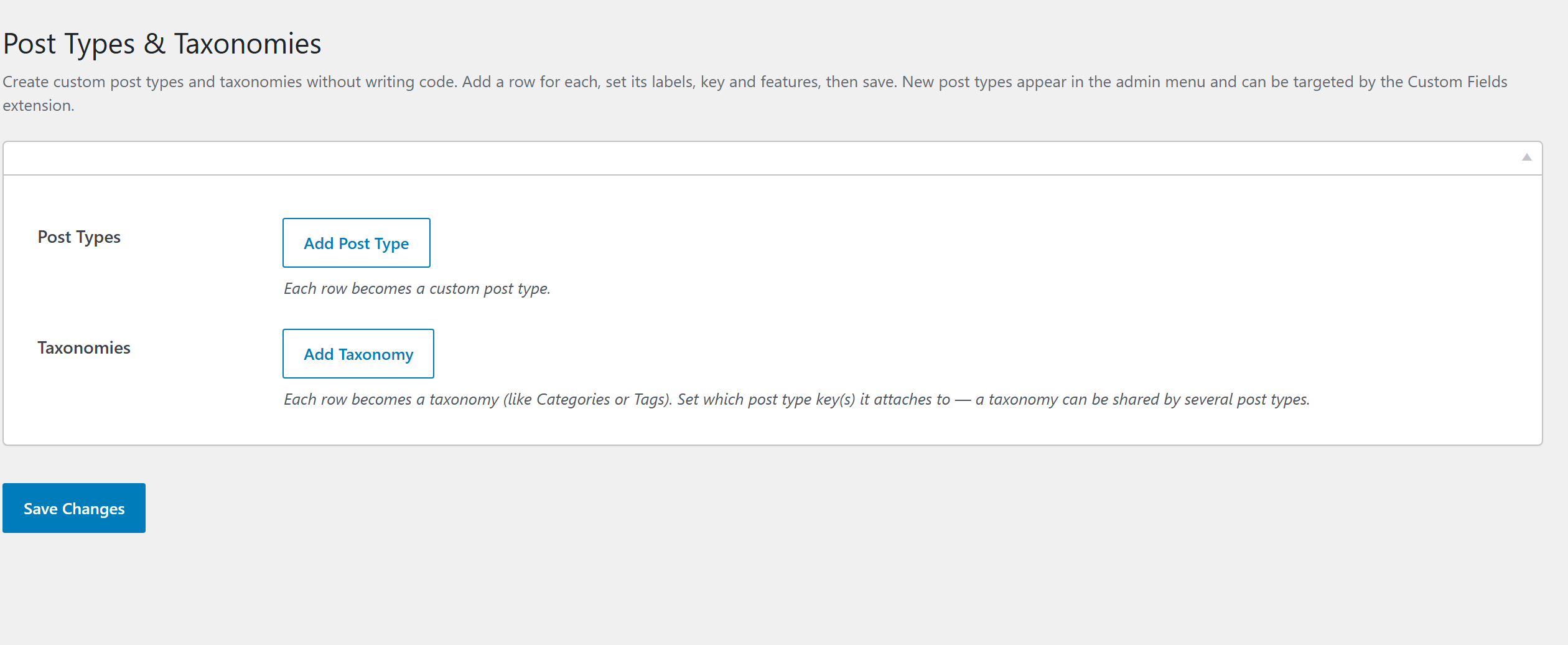
Post type options
Each custom post type you add carries:
| Option | What it sets |
|---|---|
| Singular / Plural labels | The display names (e.g. "Project" / "Projects"). |
| Key (slug) | The post type's identifier and URL base. |
| Supports | Which editor features are enabled (title, editor, thumbnail, excerpt, comments, revisions, …). |
| Public | Whether it's publicly queryable / shown on the front end. |
| Has archive | Whether it gets an archive page. |
| Hierarchical | Page-like (parent/child) vs post-like. |
| Show in REST | Exposes it to the REST API / block editor. |
| Menu icon / Menu position | Its admin-menu dashicon and position. |
Taxonomy options
A taxonomy (like Categories or Tags) carries singular/plural labels, a key, whether it's hierarchical (category-style) or flat (tag-style), REST visibility, and the post type(s) it attaches to.
How it registers
Definitions are stored in the extension's settings and registered with register_post_type() /
register_taxonomy() on the WordPress init hook, with a deferred flush_rewrite_rules() after
edits so permalinks work immediately. Developers can adjust the arguments before registration with
the fw_ext_post_types_args filter.
Typical workflow
- Activate Post Types & Taxonomies from Unyson+ → Extensions.
- Add a Post Type — set its name, slug, and supported features.
- Optionally add a Taxonomy and attach it to the post type(s).
- Save. Unyson+ registers everything on each request, and pairs with Custom Fields to add meta boxes to your new post types.