Headers & Footers
A Header Preset and a Footer Preset are header/footer layouts you build with the page builder, then assign with a Template. They live under Theme Builder → Header Presets / Footer Presets.
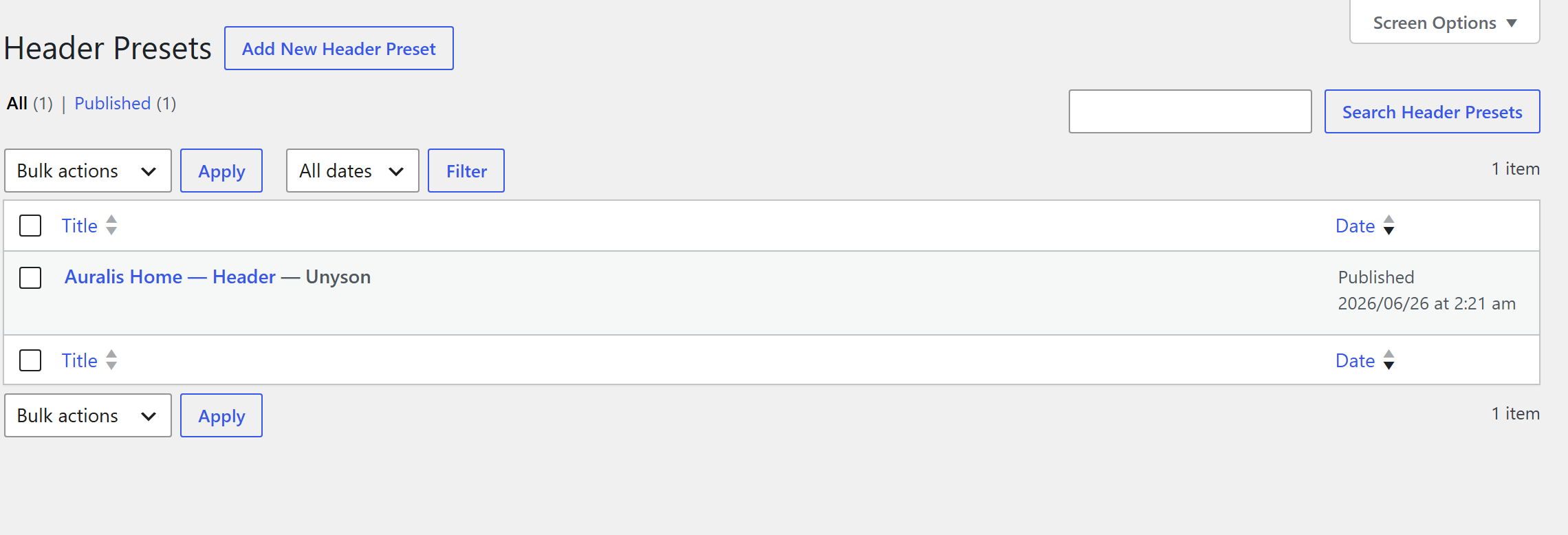
Building a preset
You don't have to start from a blank canvas. The Header / Body / Footer Presets lists come pre‑seeded with a few starter designs — open one to customize it, or duplicate it (with the Duplicate Post plugin, which works on the preset post types) to spin up a variant. Deleting the starters is fine; they're never re‑created. You can also Import Preset (the button next to Add New) to load a design from a JSON file.
Add a new Header or Footer Preset and it opens straight into the Unyson Builder (no classic
editor). Lay out the chrome with a Flexbox — the semantic container that renders a
real <header> / <nav> / <footer> — and fill it with the Header/Footer Elements: Site Logo,
Navigation Menu, Site Search, Social Icons, and the Menu Toggle. Publish it, then assign it from a
Template.
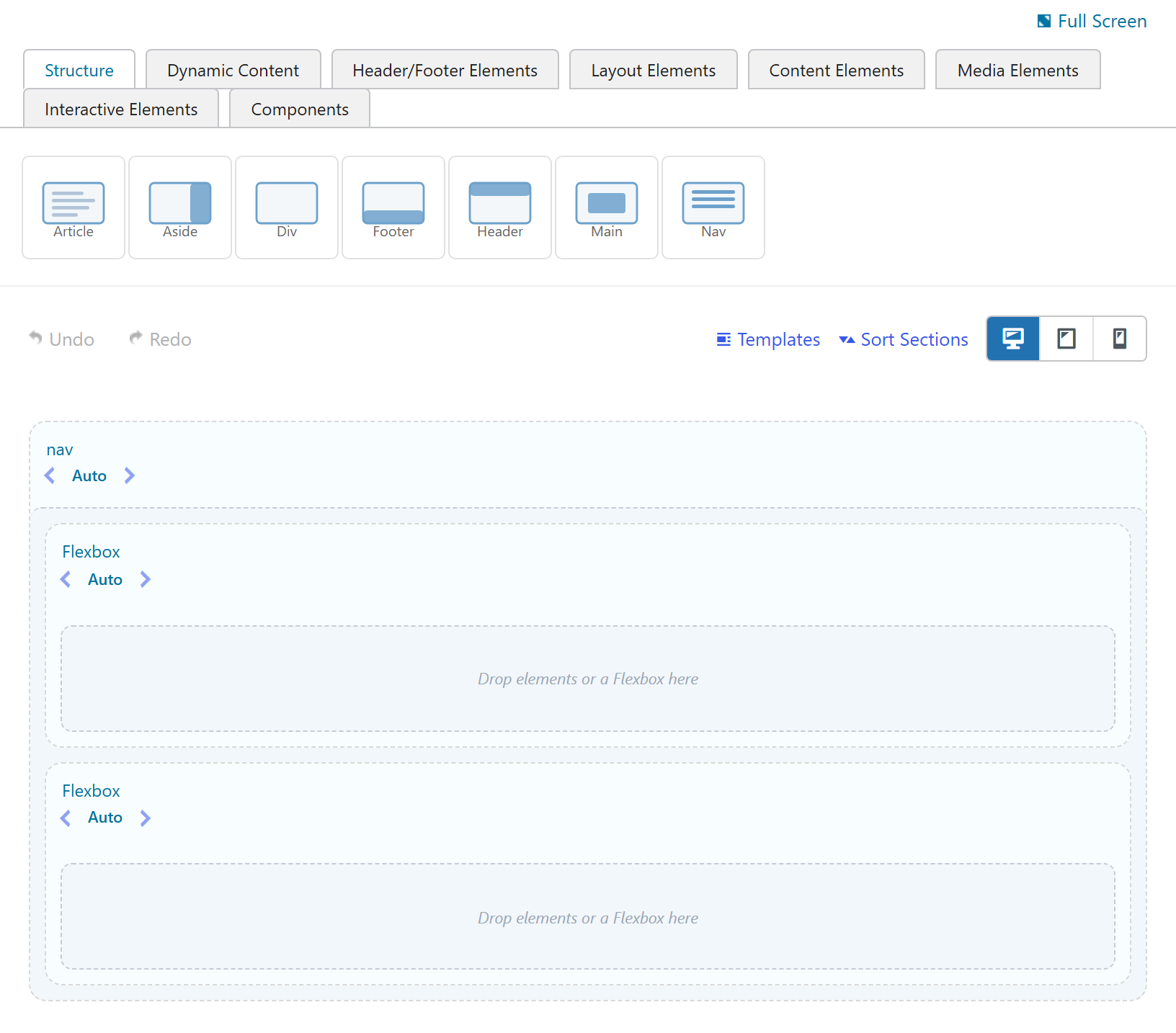
A classic top bar is a single Flexbox: a nav (Direction: Row, Justify: Space between) holding a Site
Logo on the left and a Navigation Menu on the right. A footer is a footer flexbox (Direction: Row)
of column flexboxes. See Flexbox for the full layout model.
Header/Footer/Body parts default to builder‑active and the "Default Editor" toggle is hidden on these screens, so a preset can't accidentally be switched to the classic editor.
A trimmed element palette
On Header and Footer editors the builder palette is trimmed to elements that make sense in site chrome. Content‑heavy elements (Accordion, Tabs, Posts, Testimonials, Team Member, Table, Map, Code Block, Notification, and the Masonry/Bleed sections, among others) are hidden there. The list is filterable, see Developer reference → filters. (Body Templates get the full palette — a body can contain anything.)
Header Type & Scroll Behavior
A Header Preset carries two structural settings (in the Header Type & Behavior box). The theme supplies the CSS/JS for each; your builder content fills it.
Header Type
| Value | Layout |
|---|---|
standard-top | Standard top, horizontal (default) |
sidebar | Sidebar, vertical |
off-canvas | Off‑canvas / slide‑out |
fullscreen-overlay | Fullscreen overlay |
mega | Mega menu |
Scroll Behavior
| Value | Behavior |
|---|---|
static | Stays in place (default) |
sticky | Sticks to the top on scroll |
sticky-shrink | Sticks and shrinks once scrolled |
hide-on-scroll | Hides on scroll down, reveals on scroll up |
transparent-overlay | Transparent over the hero |
Custom CSS & JS
Every preset — Header, Body, and Footer — has a Custom CSS & JS box (a code editor for each). It's the clean place to add styling or behavior that travels with the preset:
- The code is stored in the preset's own meta, so it exports/imports with the preset and ships in any bundled library — no separate "Additional CSS" to remember.
- It's output only when that preset renders, and on any theme — Custom CSS in the
<head>, Custom JS just before</body>. So a preset designed for a third‑party theme can carry exactly the CSS it needs to look right there. (No<style>/<script>tags to type — just the code.) - Target the CSS classes you used inside the preset; each preset's block is wrapped with a stable id
(
fw-tb-preset-{id}-css/-js).
This is the recommended way to finish a preset's look under a non‑Unyson theme — it keeps the styling attached to the design instead of scattered across the site's global CSS.
How a header/footer renders
A preset's builder content is rendered to its inner HTML only — the auto‑generated <section>
wrappers the items‑corrector adds around root rows/columns are stripped, and the result is wrapped in
the semantic <header> / <footer> (so the header chrome, the Type/Behavior classes, and the
theme's header/footer hooks all stay theme‑side). User‑authored sections are preserved.
Exactly where that wrapping happens depends on the active theme — a native theme wraps it in its
own header.php/footer.php, while under any other theme the Theme Builder wraps and places it
itself. See How it renders.
The header/footer fallback chain
For the header and footer, assignment cascades from most to least specific. When nothing higher matches, your Theme Settings header/footer is the always‑present baseline, so a site always has a working header and footer even if no Template matches (or the extension is disabled):
1. Theme Builder Template matched by condition   (builder header/footer)
2. Per-page override (the page's Header & Footer box)
3. Site-wide default (Theme Settings → General → Pages)
4. Theme Settings slot-based header/footer        ← final fallback (always present)
See also
- Flexbox — the layout engine you build chrome with
- Conditional assignment — assign a preset with a Template
- How it renders — native vs. theme‑independent header/footer rendering
- Header / Footer Elements — the building blocks
- Guide: Build a sticky site header