Oembed
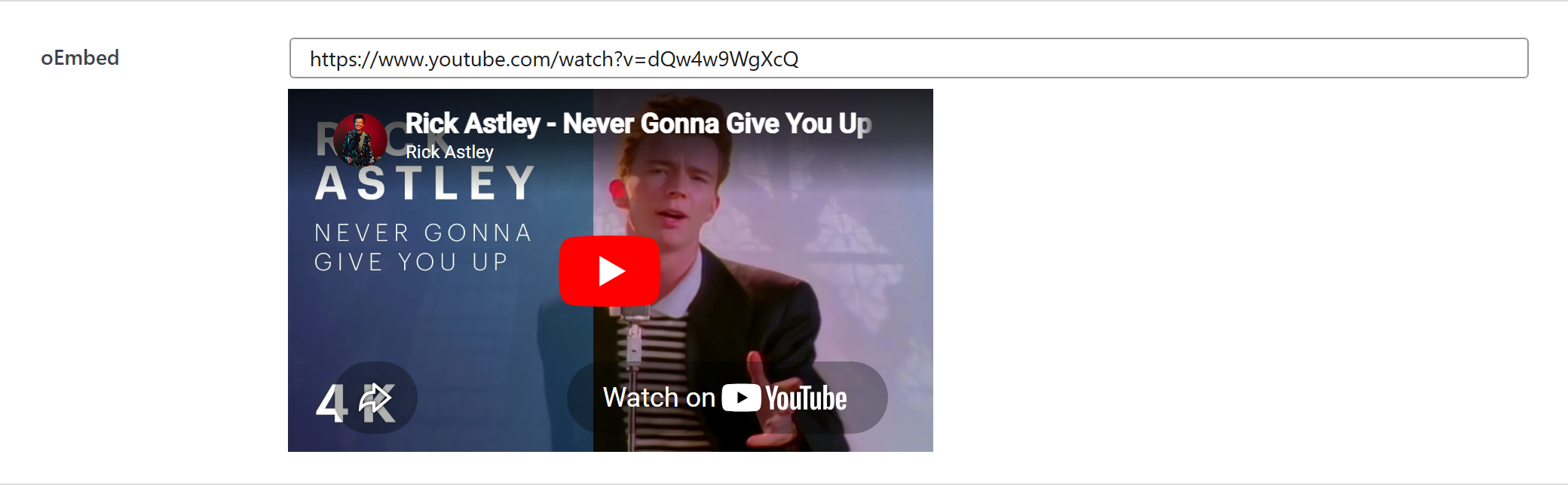
Generate oembed preview of the inserted link, for more details see Embeds in WordPress.
$options = [
	'demo_oembed' => [
		'type' => 'oembed',
		'value' => 'https://vimeo.com/113078377',
		'label' => __('Label', 'unysonplus'),  // or false to hide the label column
		'desc' => __('Description', 'unysonplus'),
		'help' => __('Help tip', 'unysonplus'),  // string, or [ 'icon' => 'video', 'html' => '…' ]
		'preview' => [
			'width' => 300, // optional, if you want to set the fixed width to iframe
			'height' => 300, // optional, if you want to set the fixed height to iframe
			/**
			 * if is set to false it will force to fit the dimensions,
			 * because some widgets return iframe with aspect ratio and ignore applied dimensions
			 */
			'keep_ratio' => true
		]
		// — Optional attributes you can add —
		// 'attr' => [ 'class' => 'my-class', 'data-foo' => 'bar' ],  // extra HTML attributes
	],
];
Reading the value
oembed returns a string — output it directly.
In a shortcode
The shortcode framework passes the option values into view.php as $atts:
echo wp_oembed_get( $atts['demo_oembed'] ); // renders the embed
In a page template — a per-page option
Options defined on a post/page (a metabox) are read with fw_get_db_post_option():
$value = fw_get_db_post_option( get_the_ID(), 'demo_oembed' );
echo wp_oembed_get( $value ); // renders the embed
When the field is one of several inside a box/group, read the whole group once and pick fields by key — the common CPT pattern (e.g. a review or book box):
$book = fw_get_db_post_option( get_the_ID(), 'book' );
echo wp_oembed_get( $book['demo_oembed'] ); // renders the embed
In Theme Settings — a global option
Global options are read with fw_get_db_settings_option():
$value = fw_get_db_settings_option( 'demo_oembed' );
echo wp_oembed_get( $value ); // renders the embed
Saved value
fw_print( fw_get_db_settings_option( 'demo_oembed' ) ) outputs — the shape of this option type's stored value:
https://www.youtube.com/watch?v=dQw4w9WgXcQ