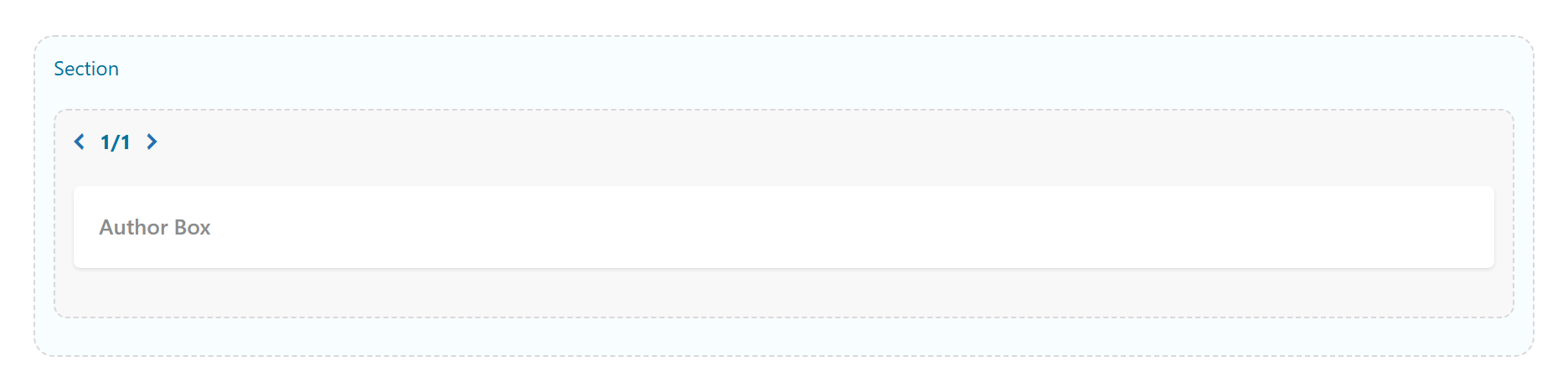
Author Box
An author / profile box — avatar, name, bio, social links and post count — for the current post author, a chosen user, or fully custom content. Tabs: Content, Design, Styling, Animations, Advanced.
Content
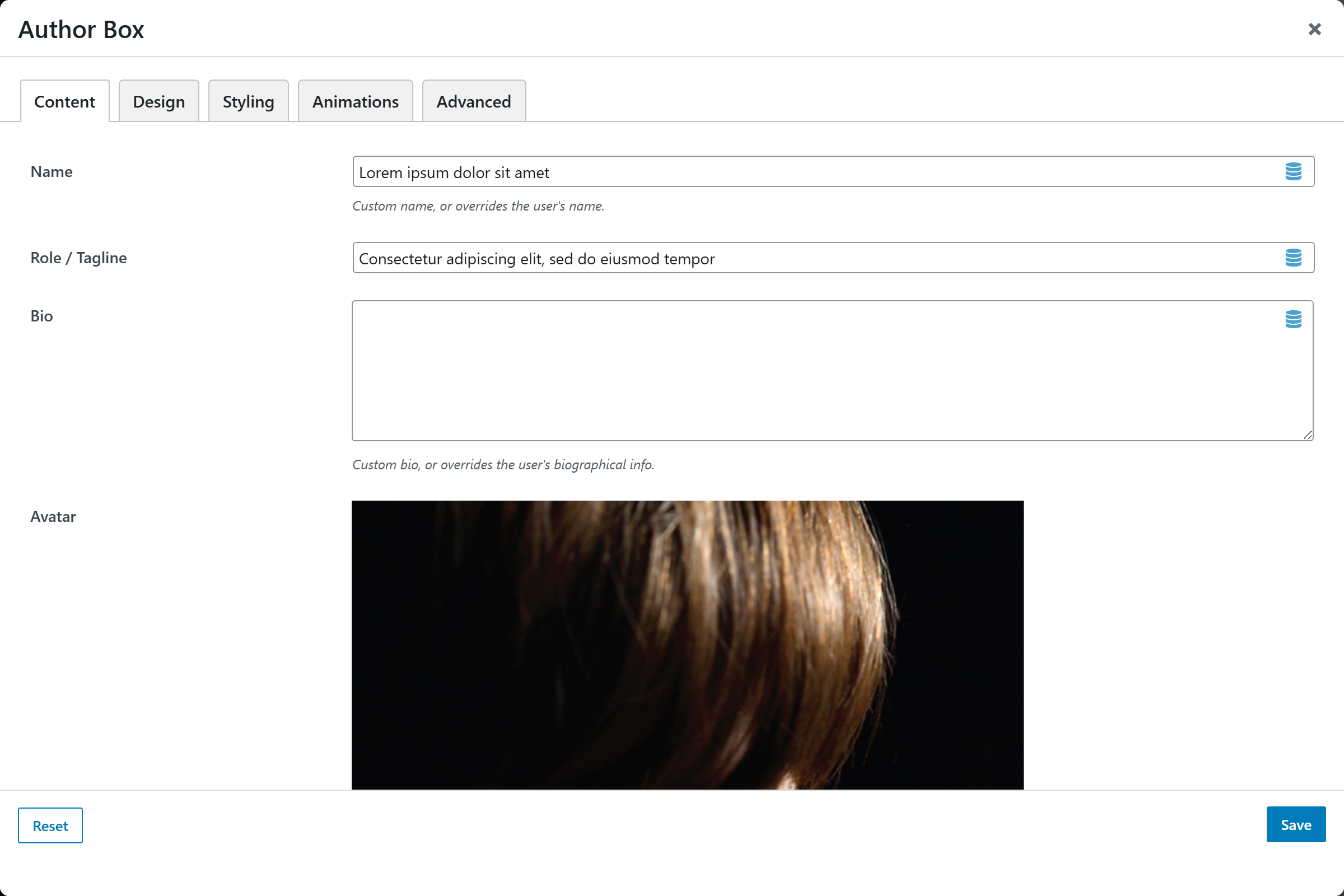
- Author Source —
Current post author(default),Specific user, orCustom (manual). - User — the user to pull from; used when Author Source is "Specific user".
- Name — custom name, or overrides the user's name.
- Role / Tagline — optional line under the name.
- Bio — custom bio, or overrides the user's biographical info.
- Avatar — custom avatar upload, or overrides the user's Gravatar.
- Social / Profile Links — a repeatable list; each entry is one link:
- Network — chosen from the social catalog (Website is the default).
- URL — the link target.
Design
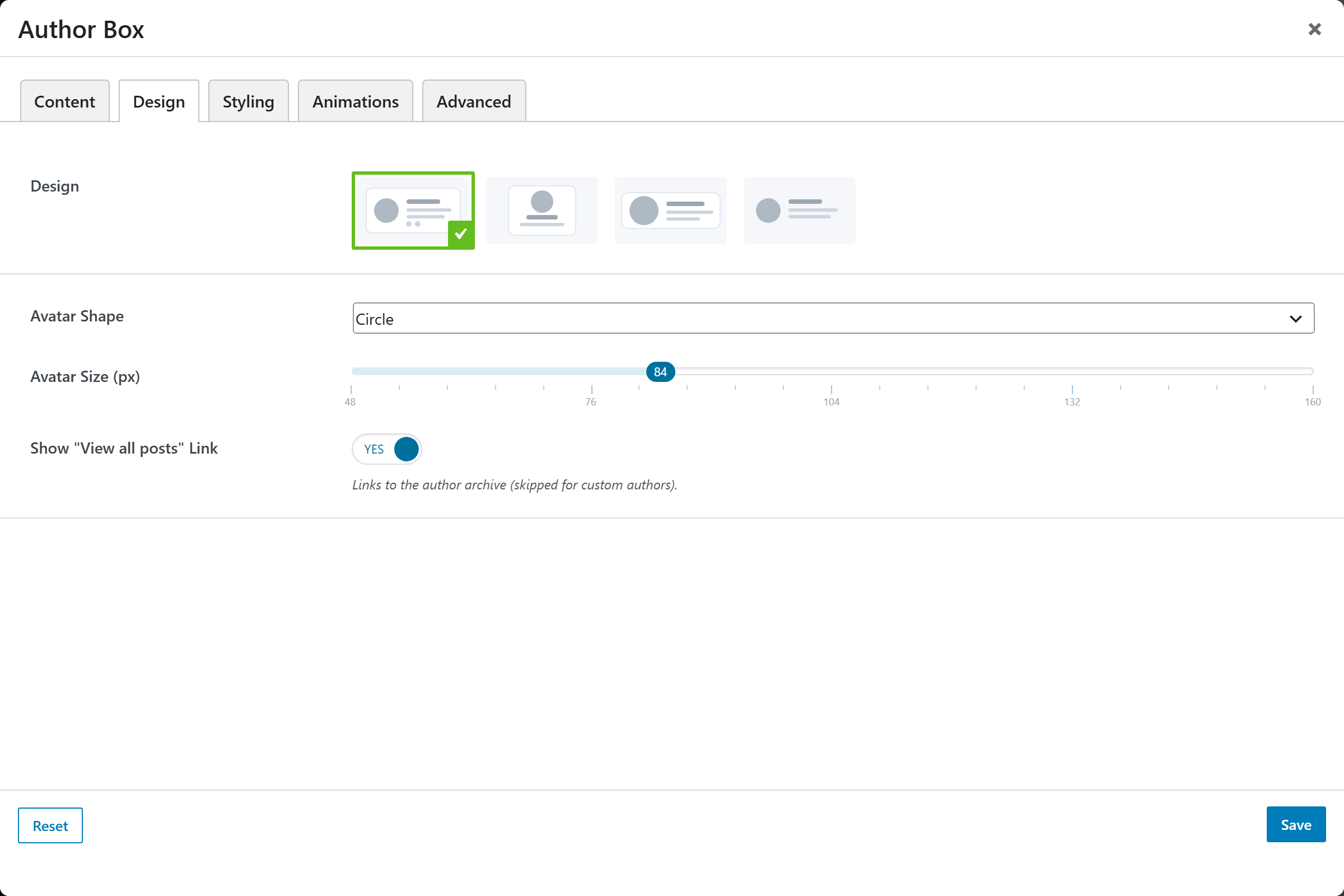
- Design — image-picker layout (registry-driven); default
Card. - Avatar Shape — Circle (default), Rounded, Square.
- Avatar Size (px) — slider 48–160 (step 4). Default
84. - Show "View all posts" Link — Yes (default) / No — links to the author archive; skipped for custom authors.
Styling
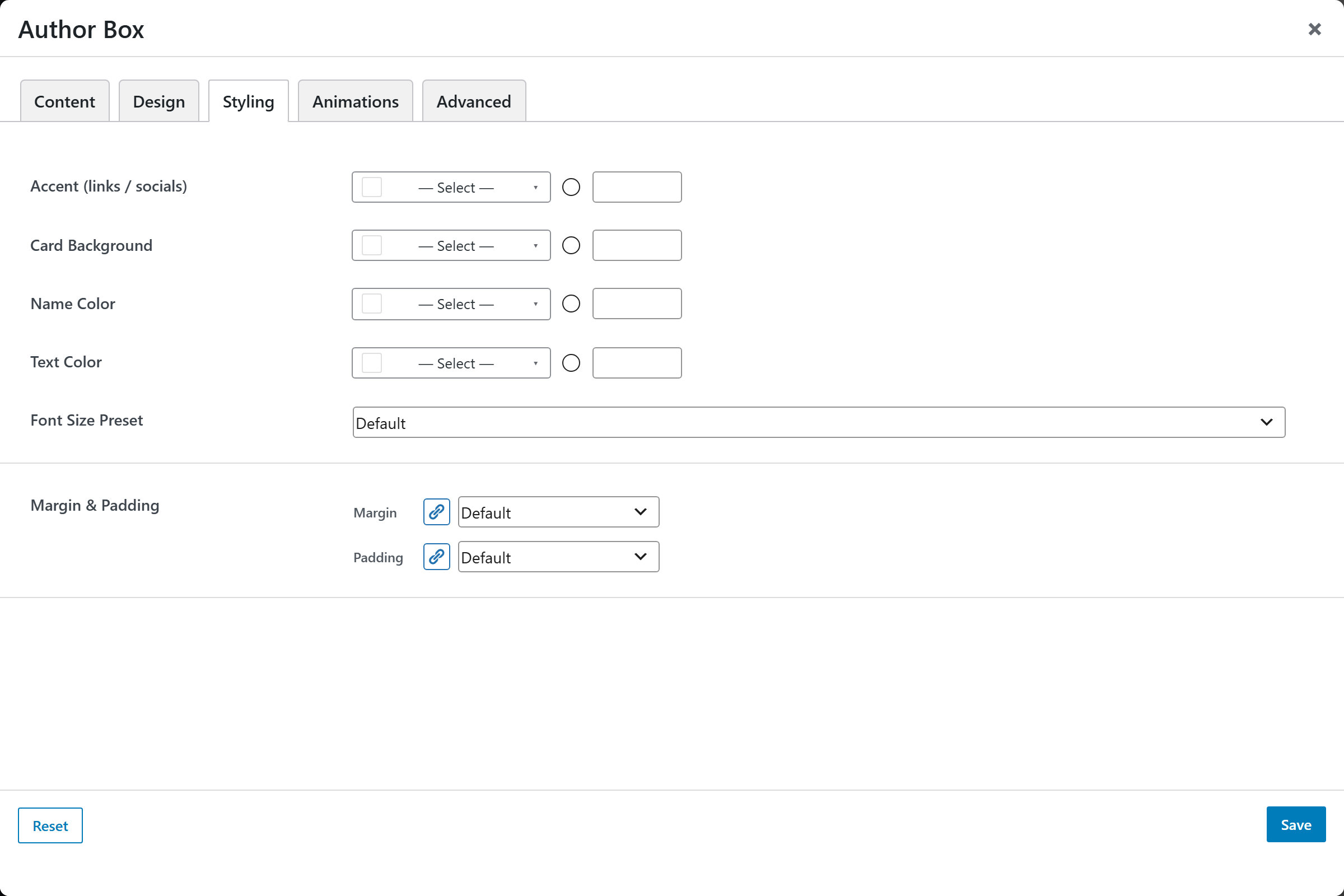
- Accent (links / socials) — accent color for links and social icons.
- Card Background — background of the box.
- Name Color — color of the author name.
- Text Color — color of the body text.
- Font Size Preset — named base text size.
- Margin & Padding — spacing around the element.
Animations
Standard entrance-animation controls (effect, duration, delay, offset).
Advanced
Custom CSS class/ID, responsive visibility toggles, custom attributes, and margin/padding.