Pricing Table
Comparable pricing plans with price, feature list, a "featured" highlight and a call-to-action — in several card designs. Tabs: Content, Design, Styling, Animations, Advanced.
Content
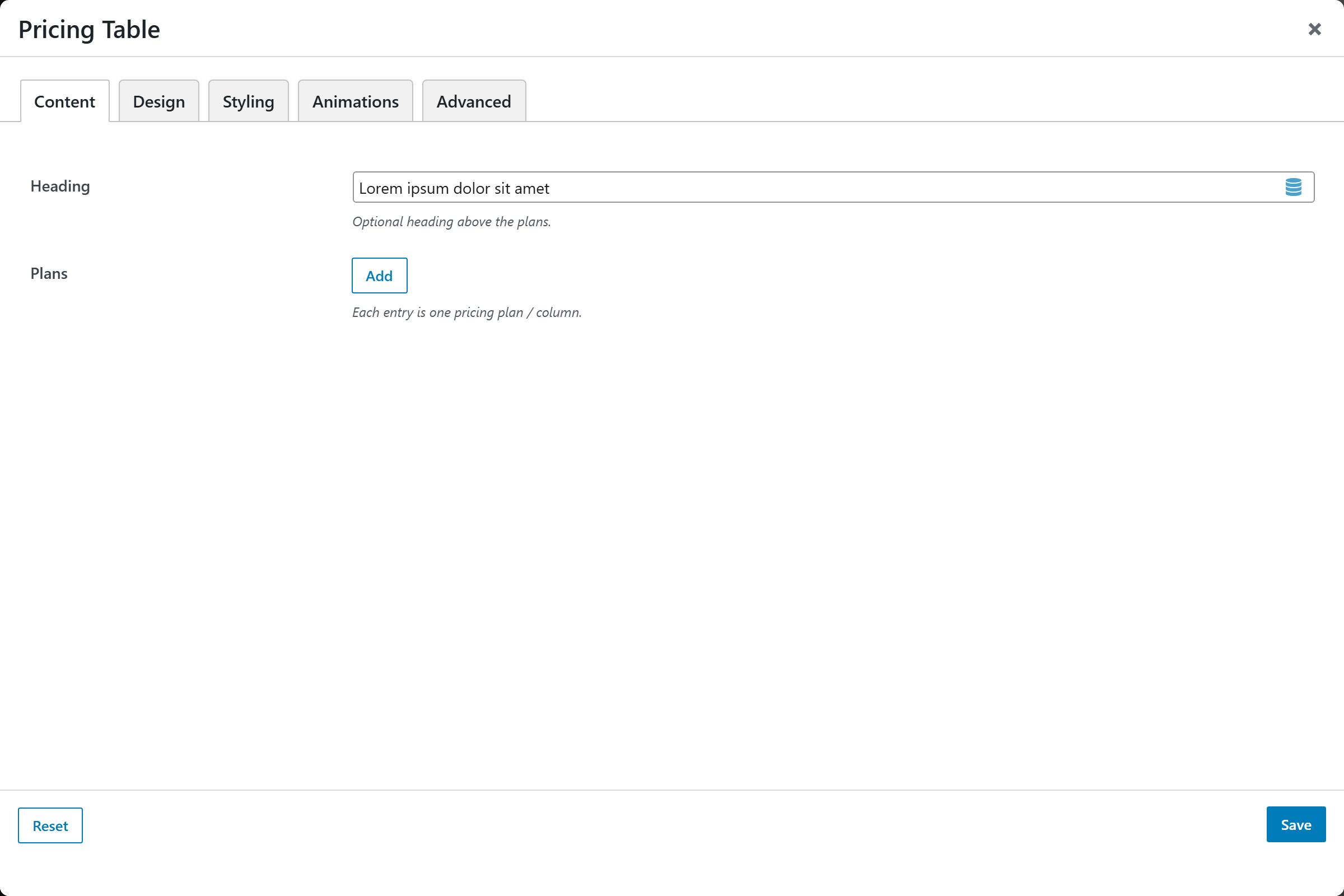
- Heading — optional section heading.
- Plans — a repeatable list; each plan has:
| Per-plan option | Notes |
|---|---|
| Plan Name | Default Starter |
| Icon | Optional |
| Subtitle | Optional |
| Currency Symbol / Price / Period | e.g. $ · 29 · /mo |
| Features | One per line; prefix - to mark a feature unavailable |
| Featured | Highlight this plan |
| Ribbon / Badge | Optional corner badge |
| Button Label / URL | Default Choose Plan; Open in New Tab toggle |
Design
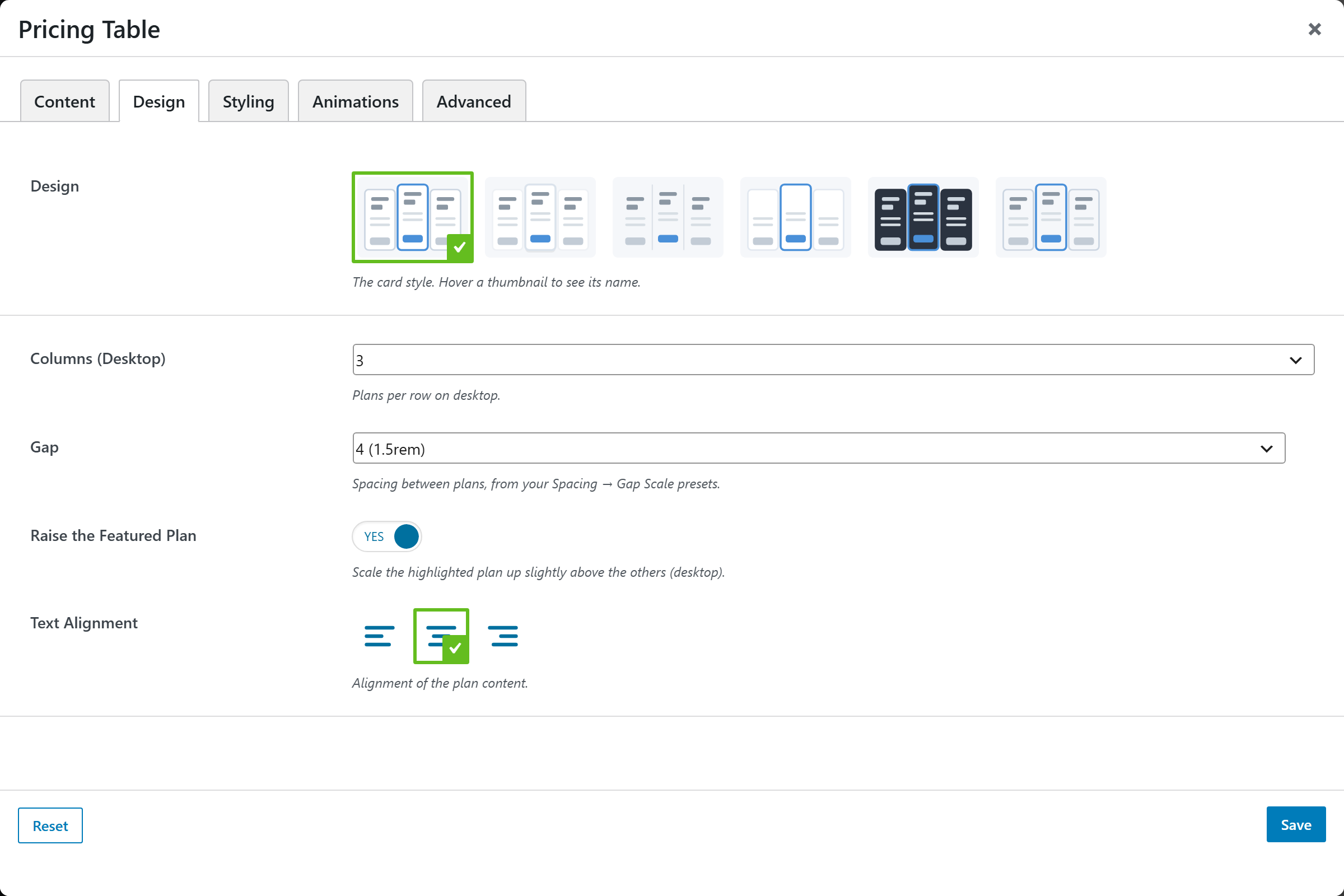
| Option | Choices |
|---|---|
| Design | Classic · Minimal · Shadow · Flat · Gradient · Outline · … |
| Columns (Desktop) | 2 · 3 · 4 · 5 |
| Gap | Spacing presets |
| Raise the Featured Plan | On/Off |
| Text Alignment | Left · Center · Right |
Styling
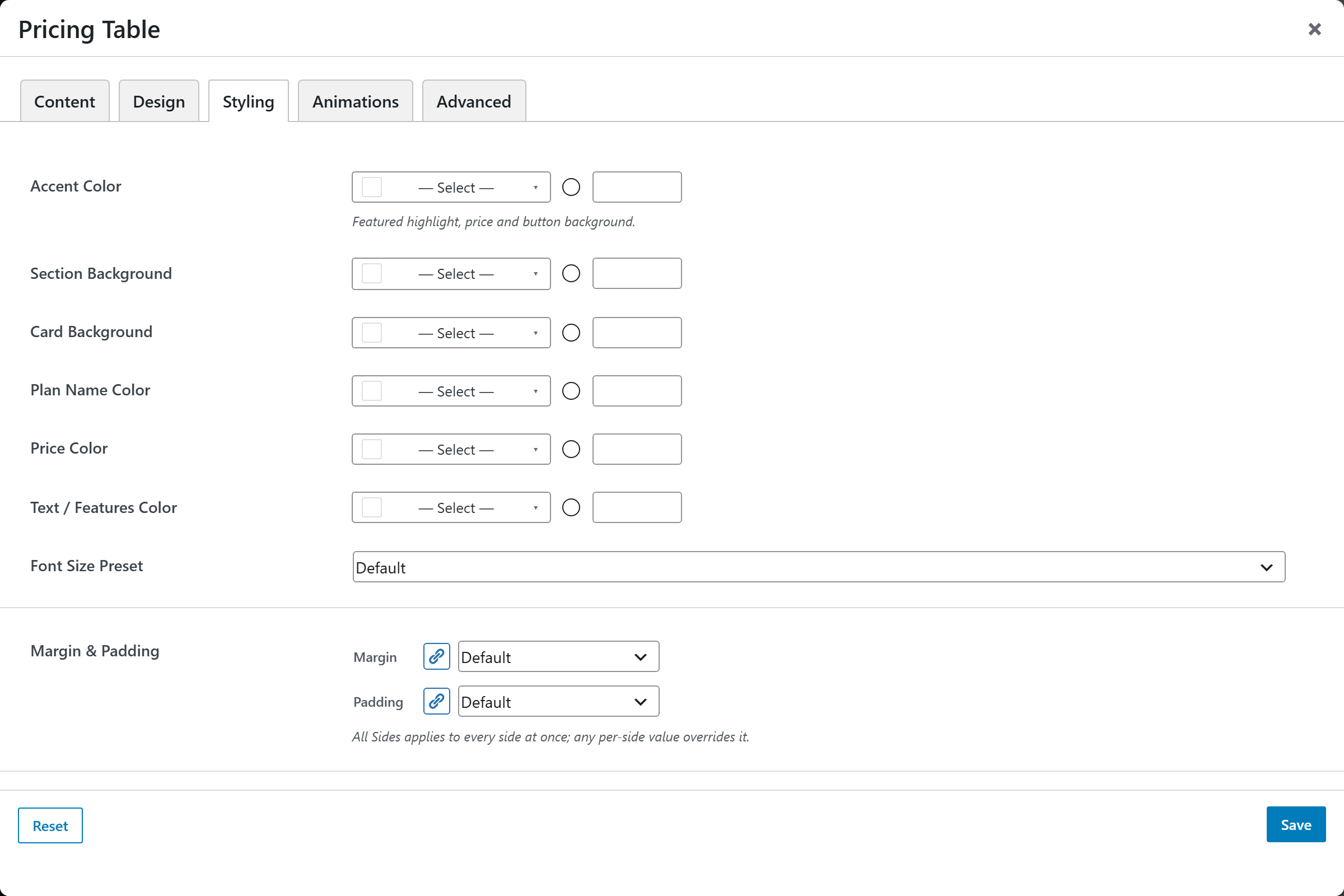
Accent Color (featured highlight, price, button), Section / Card Background, Plan Name / Price / Features colors, a Font Size Preset, and Margin & Padding.