Social Share
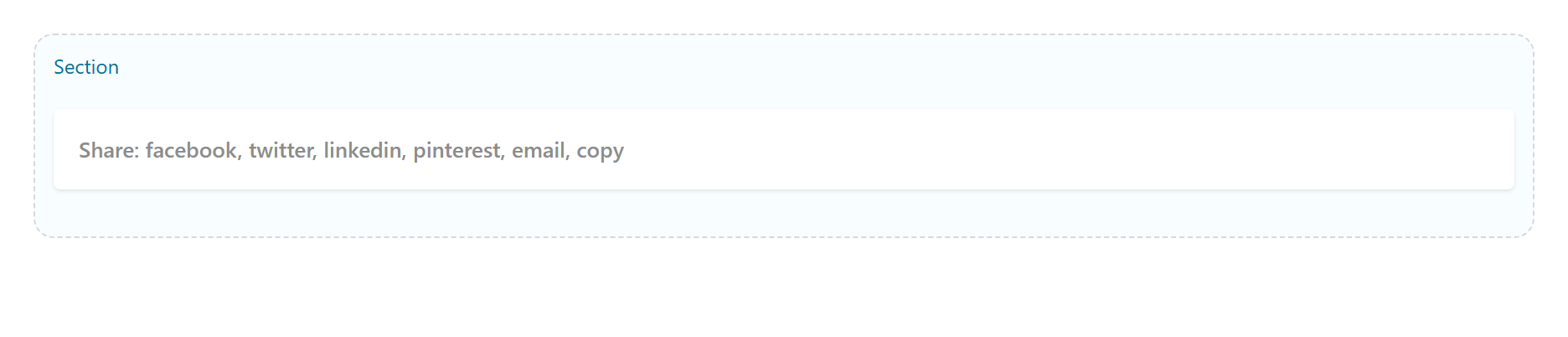
Share-to buttons (Facebook, X, LinkedIn, Pinterest, WhatsApp, Telegram, Reddit, Email, Copy link) in several styles and shapes. Tabs: Content, Design, Styling, Animations, Advanced.
Content
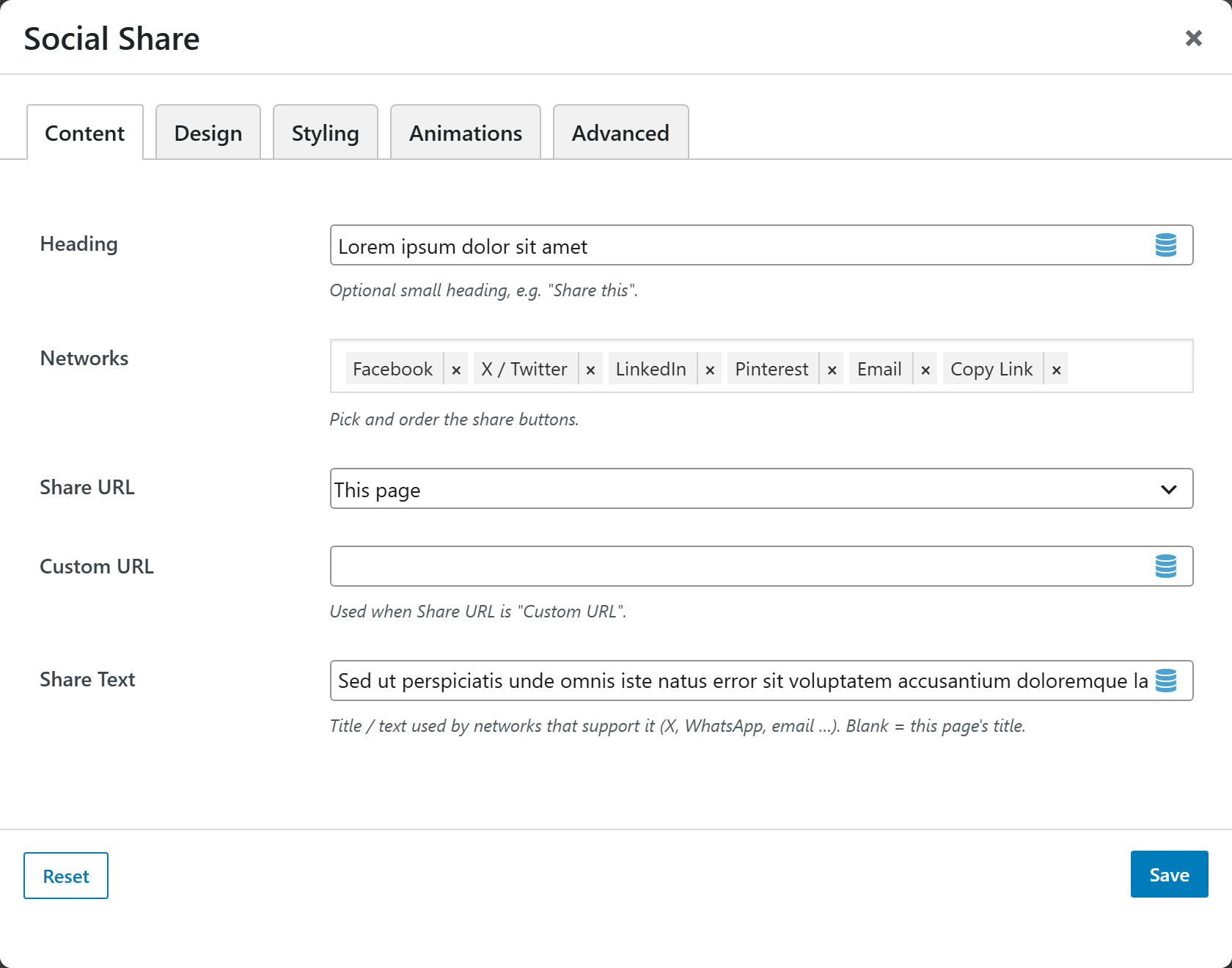
| Option | Choices |
|---|---|
| Heading | Optional, e.g. Share this |
| Networks | Facebook · X (Twitter) · LinkedIn · Pinterest · WhatsApp · Telegram · Reddit · Email · Copy link |
| Share URL | This page · Custom URL |
| Custom URL | Used when Share URL = Custom URL |
| Share Text | Title/text used by the networks (blank = page title) |
Design
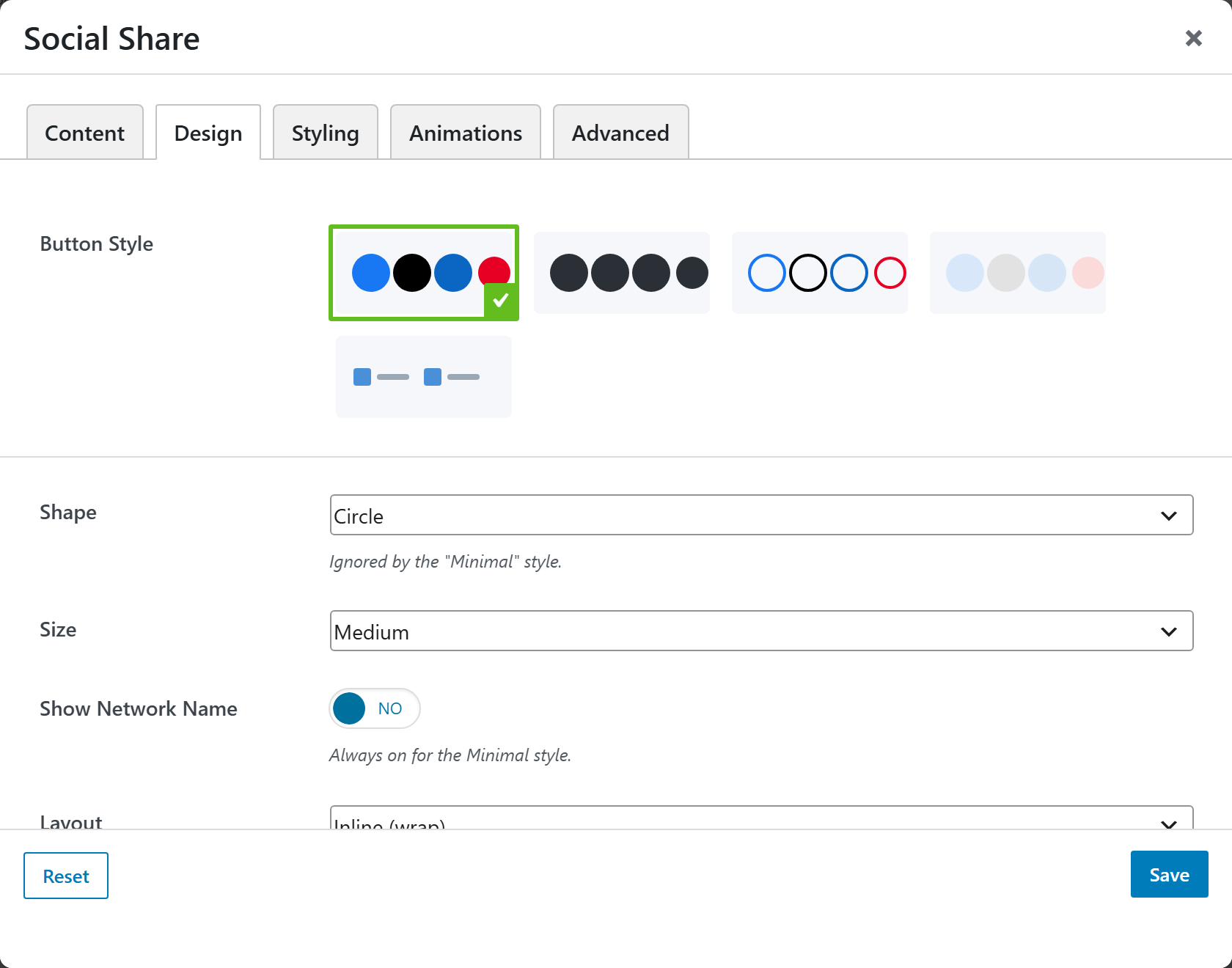
| Option | Choices |
|---|---|
| Button Style | Brand · Minimal · Outline · Filled · Gradient · … |
| Shape | Circle · Rounded · Square |
| Size | Small · Medium · Large |
| Show Network Name | On/Off |
| Layout | Inline (wrap) · Stacked (full width) |
| Alignment | Left · Center · Right |
Styling
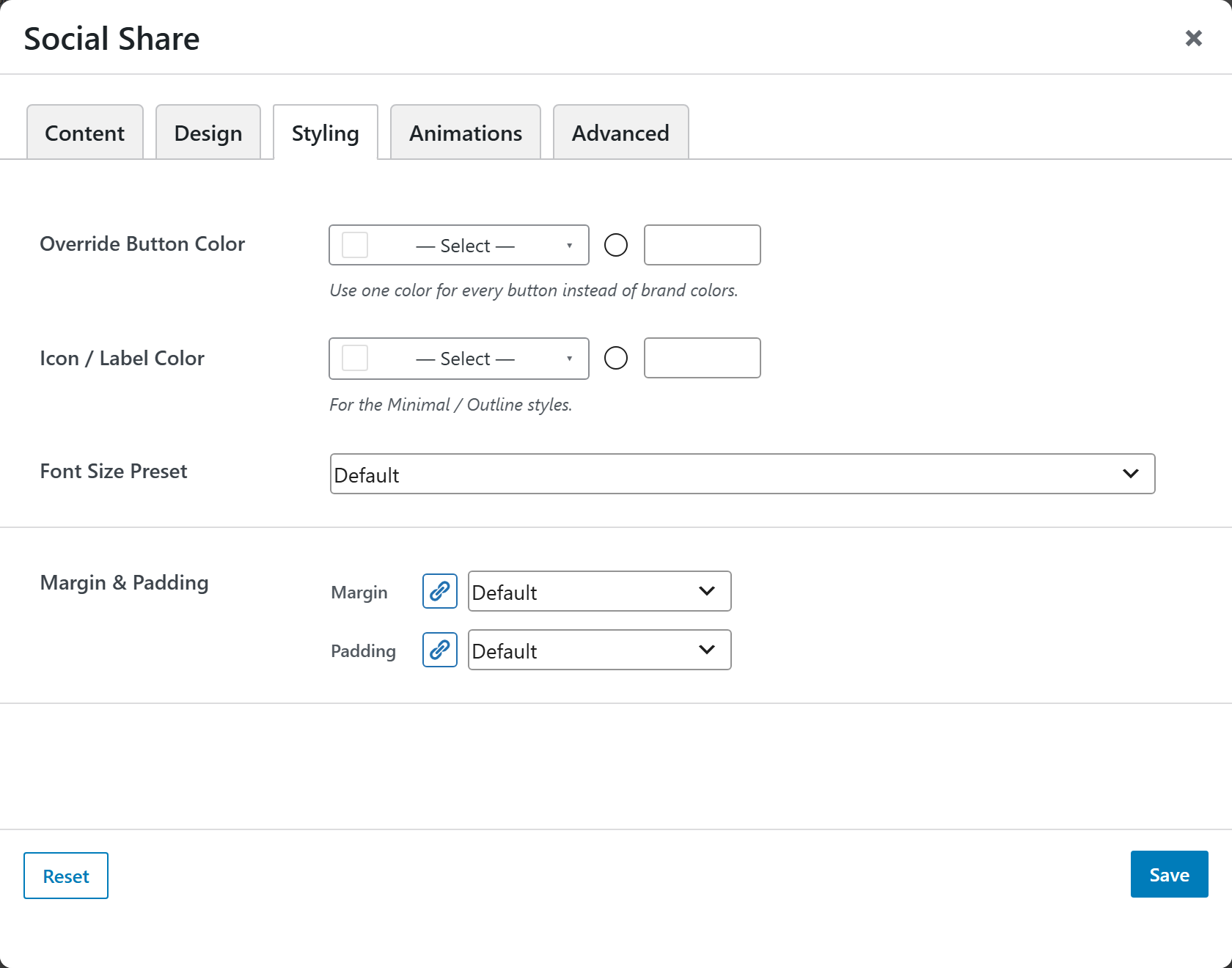
Override Button Color (one color for all), Icon / Label Color (for Minimal/Outline), a Font Size Preset, and Margin & Padding.