Animated Heading
A self-contained rotating headline — part of the text cycles through several words with a typewriter, fade, slide, flip, zoom, clip, blur or 3D-rotate animation. It needs no Animation Engine (the engine is off by default). Tabs: Content, Design, Styling, Animations, Advanced.
This element vs. the Animation Engine Text Effects
Use Animated Heading for a rotating headline that works with the engine off. To apply typewriter / scramble / wave / glitch / 30+ effects to any text element, use the Animation Engine → Text Effects instead (the Text Effect option on any element's Animations tab). Don't apply an Engine text effect to this element as well — the two animations will conflict.
Content
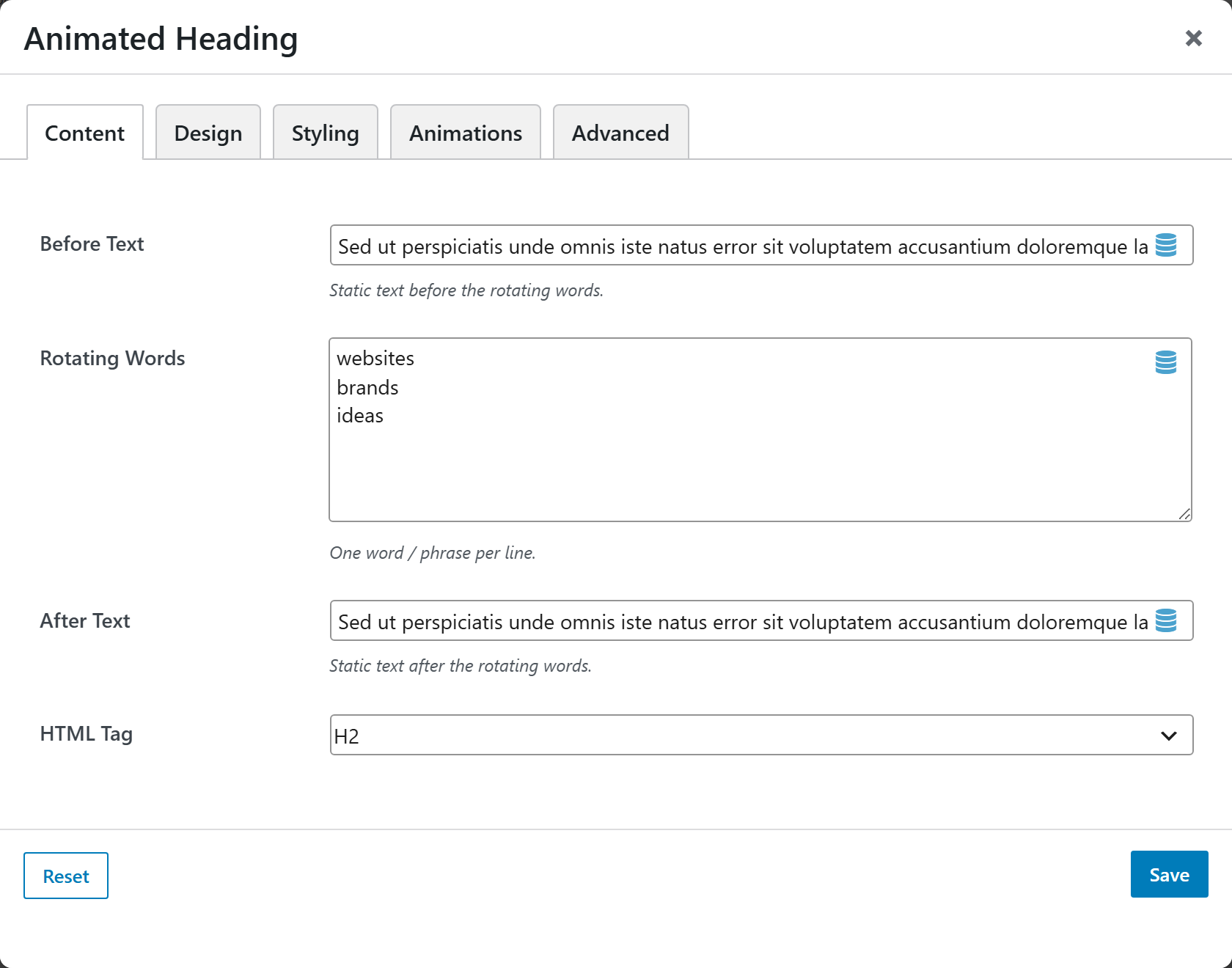
| Option | Choices |
|---|---|
| Before Text | Static text before the rotating words |
| Rotating Words | One word/phrase per line |
| After Text | Static text after the rotating words |
| HTML Tag | H1–H6 · Paragraph · Div |
Design
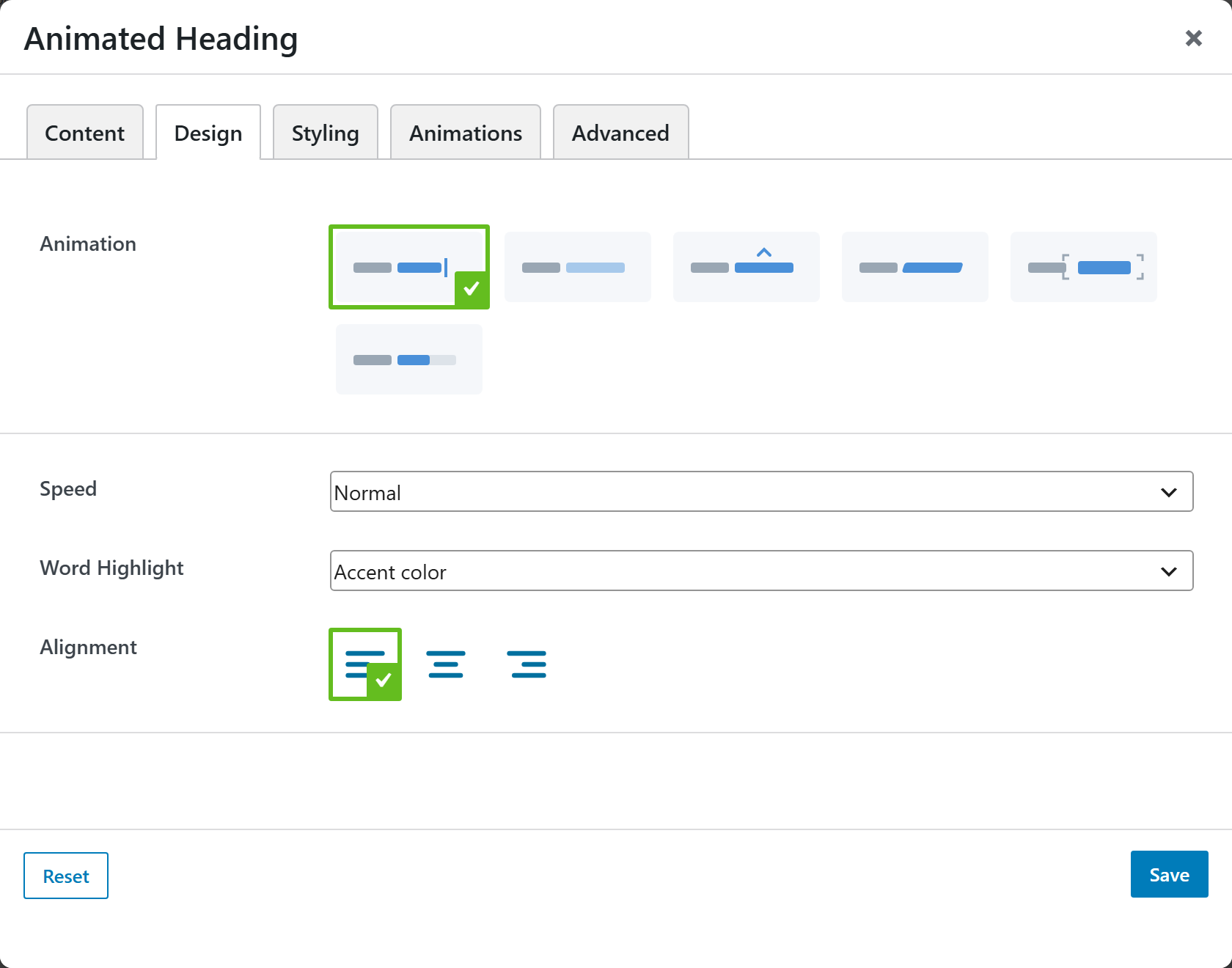
| Option | Choices |
|---|---|
| Animation | Typewriter · Fade · Slide · Flip · Zoom · Clip · Blur in · 3D Rotate |
| Speed | Slow · Normal · Fast |
| Word Highlight | None · Accent color · Underline · Marker background · Gradient text · Pill |
| Loop | Loop forever · Play once (stop on last word) |
| Pause on Hover | Yes · No |
| Randomize Order | Yes · No |
| Alignment | Left · Center · Right |
| Typewriter Caret | Show / Hide · Style (Bar · Block · Underscore) · Caret Color — Typewriter animation only |
Styling
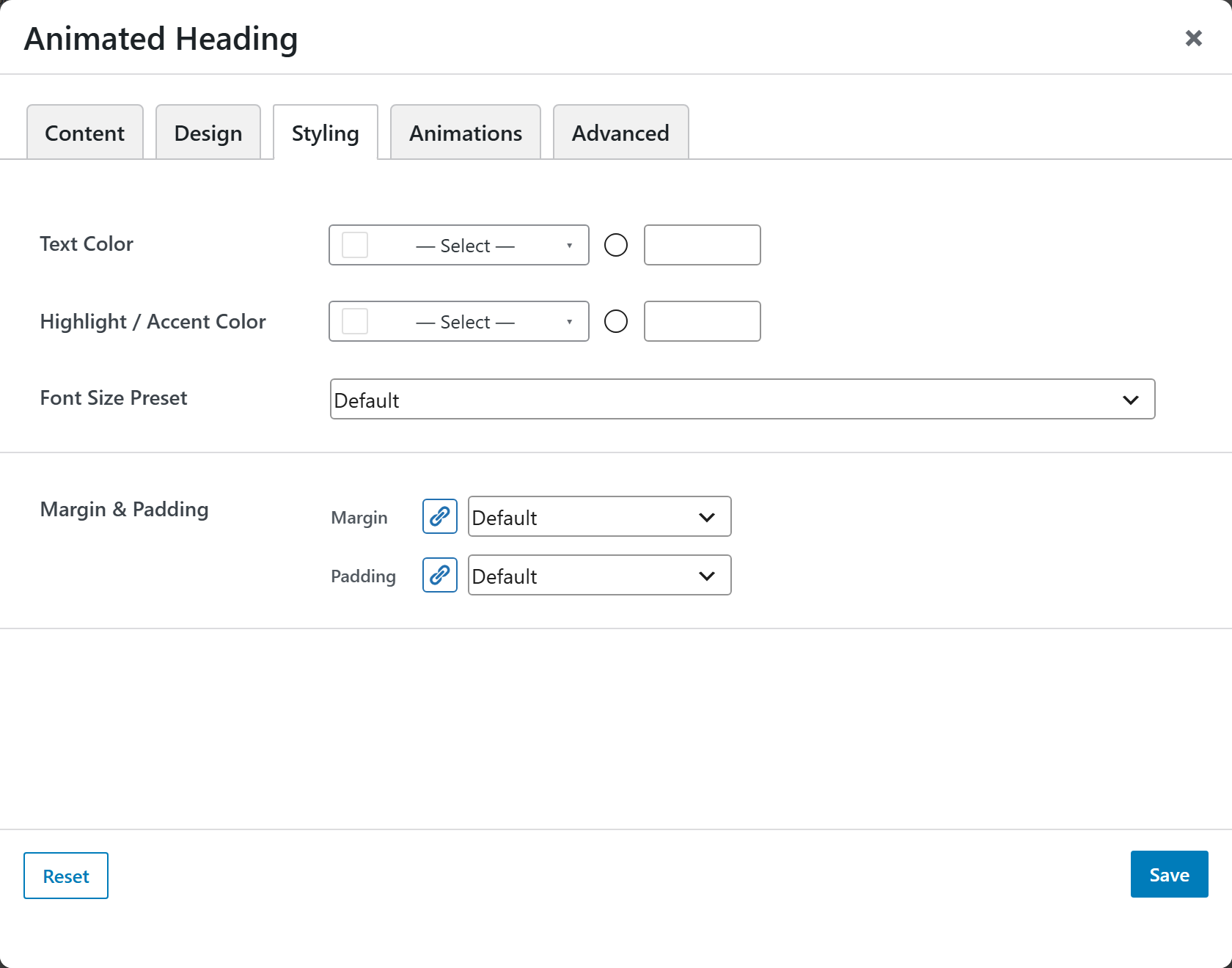
Text Color, Highlight / Accent Color, a Font Size Preset, and Margin & Padding.