Blockquote
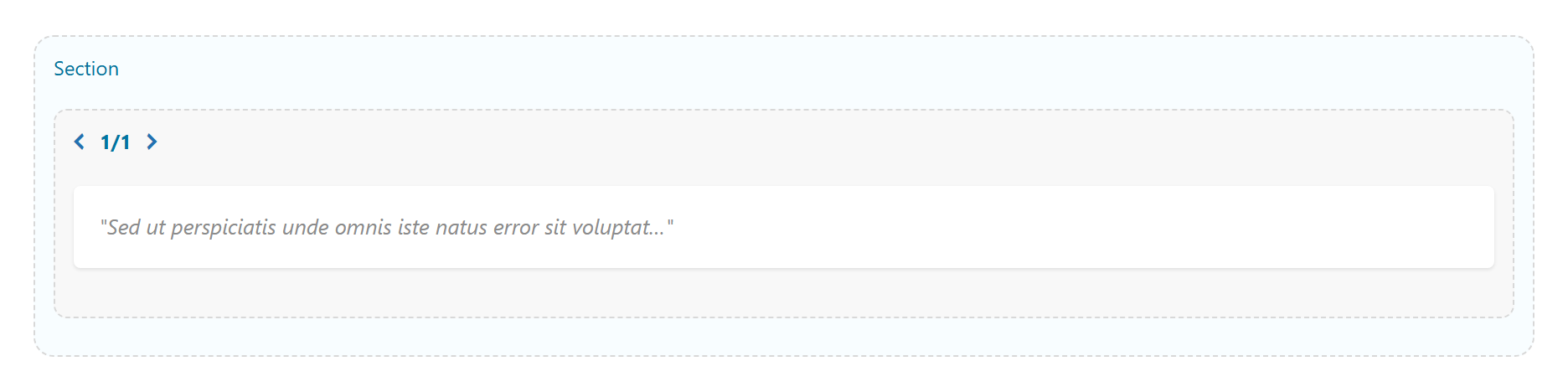
A styled quote / pullquote with optional author and source, in several editorial designs. Tabs: Content, Design, Styling, Animations, Advanced.
Content
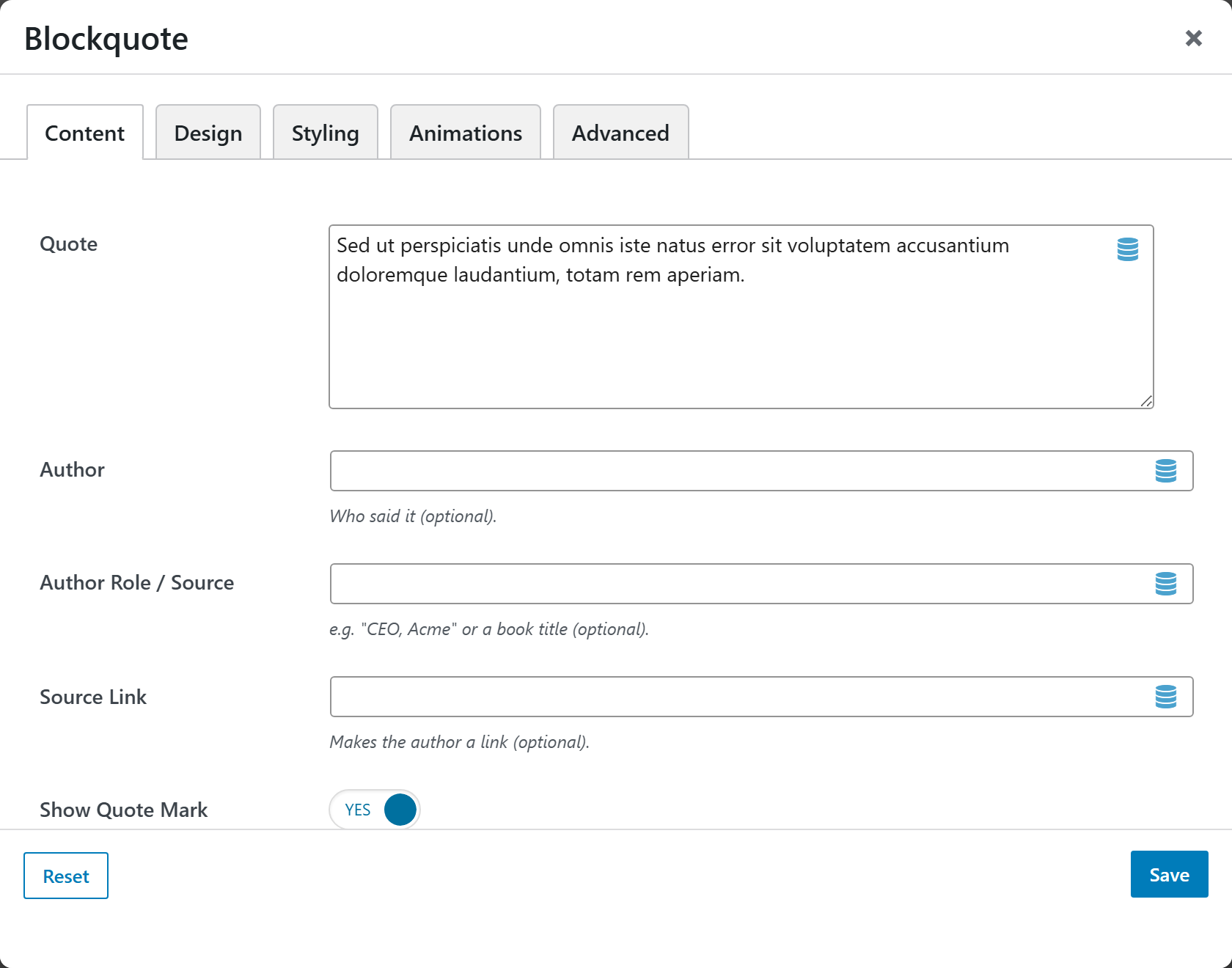
- Quote — the quotation text. Basic inline HTML (bold, italic, links) is allowed.
- Author — who said it (optional).
- Author Role / Source — e.g. "CEO, Acme" or a book title (optional).
- Source Link — turns the author into a link (optional).
- Show Quote Mark — show or hide the decorative quote mark. Default On.
Design
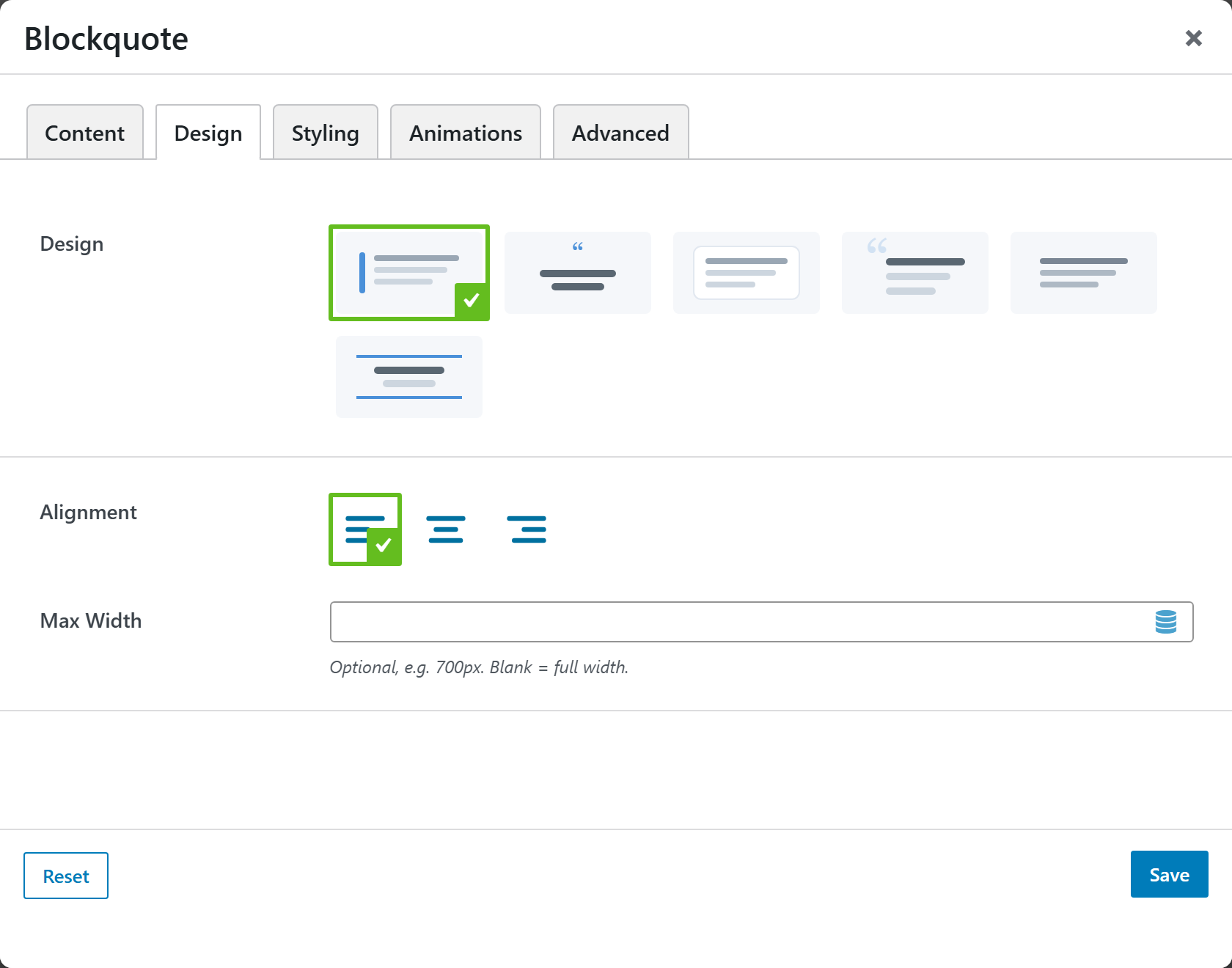
- Design — the visual style:
| Design | Look |
|---|---|
| Classic — accent border | Accent left border (default) |
| Pullquote — large centered | Large, centered pullquote |
| Card — boxed | Boxed card |
| Big quote mark | Oversized quote mark |
| Minimal — italic | Plain italic |
| Bordered — top & bottom rules | Top and bottom rules |
- Alignment — Left (default), Center, or Right.
- Max Width — optional, e.g.
700px. Blank = full width.
Styling
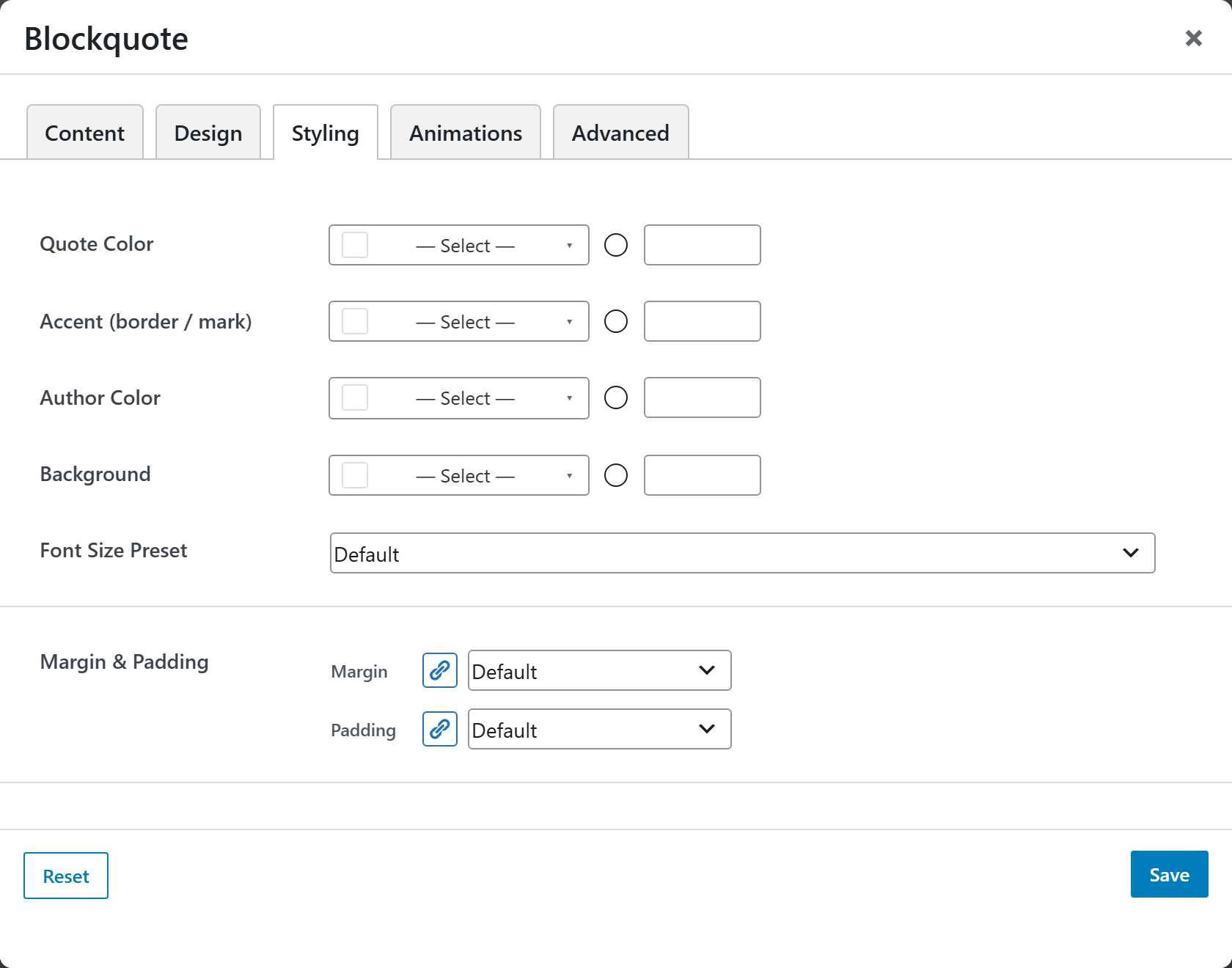
- Quote Color — color of the quote text.
- Accent (border / mark) — color of the accent border and quote mark.
- Author Color — color of the author / source line.
- Background — background color of the block.
- Font Size Preset — select a preset size for the quote text.
- Margin & Padding — spacing around the block.
Animations
Standard entrance-animation controls (effect, duration, delay, offset).
Advanced
Custom CSS class/ID, responsive visibility toggles, custom attributes, and margin/padding.