An auto-generated, clickable list of the page's headings that anchor-jumps to each section —
with optional numbering, scrollspy highlighting and a sticky/floating layout. Tabs:
Content, Behavior, Styling, Animations, Advanced.
Content
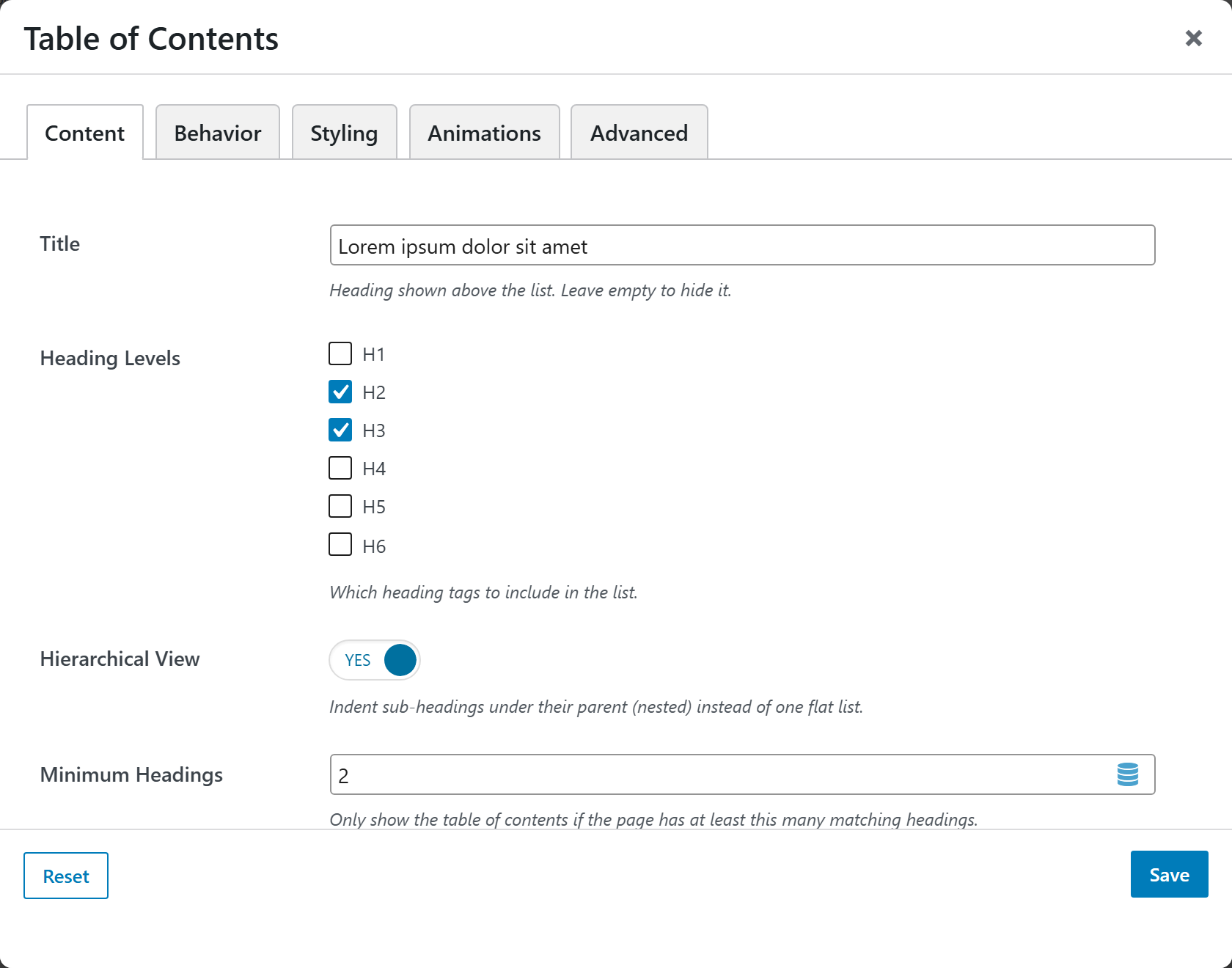
| Option | Choices |
|---|
| Title | Default Table of Contents |
| Heading Levels | H1–H6 (default H2 + H3) |
| Hierarchical View | Indent sub-headings (On/Off) |
| Minimum Headings | Hide the TOC if fewer headings are found (default 2) |
| Numeration | None · Decimal (nested) · Decimal (flat) · Roman · Letters · Bullets |
| Numeration Suffix | None · Dot (.) · Parenthesis ()) |
| Collapsible / Collapsed by Default | On/Off |
| Toggle Label — Show / Hide | Defaults show / hide |
Behavior
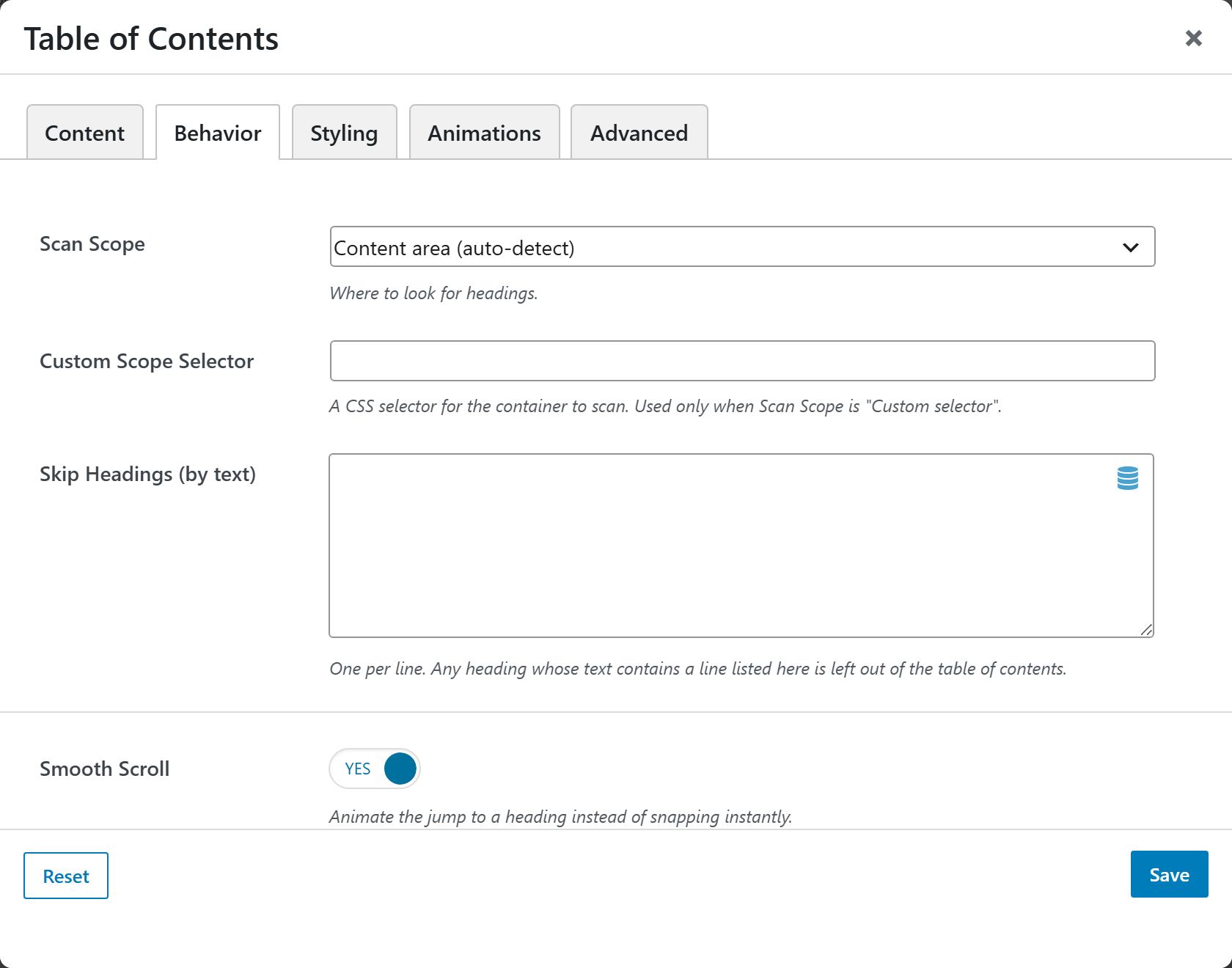
| Option | Choices |
|---|
| Scan Scope | Content area (auto-detect) · Whole page · Custom selector |
| Custom Scope Selector | CSS selector (when scope = Custom selector) |
| Skip Headings | One per line, case-insensitive |
| Smooth Scroll | On/Off |
| Scroll Offset Top | e.g. 80px (clears a sticky header) |
| Highlight Active Heading | Scrollspy (On/Off) |
| Nofollow Links | On/Off |
| Wrap in noindex | On/Off |
Styling
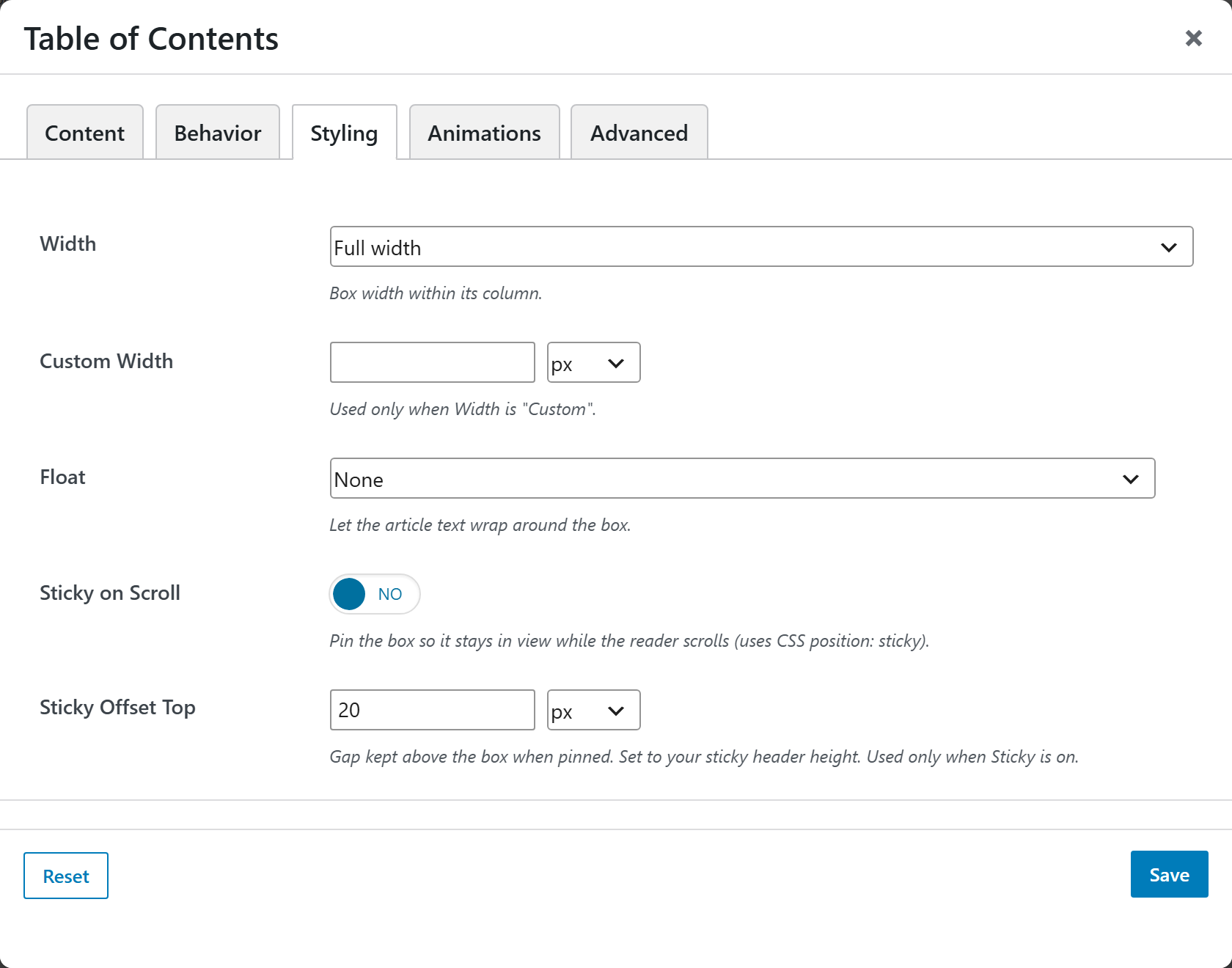
| Option | Choices |
|---|
| Width | Full width · Auto (fit content) · Custom |
| Custom Width | px · % · rem · em · vw |
| Float | None · Left · Right |
| Sticky on Scroll + Sticky Offset Top | On/Off, with offset |
| Title / Items Font Size | Named presets |
Plus Background, Border, Title, Link, Link Hover and Active Link
colors, and Margin & Padding.