Site Logo
The site logo or title — pulled from Site Identity (the Customizer logo/title) or a custom image you upload. Options live under the Content and Advanced tabs.
Content
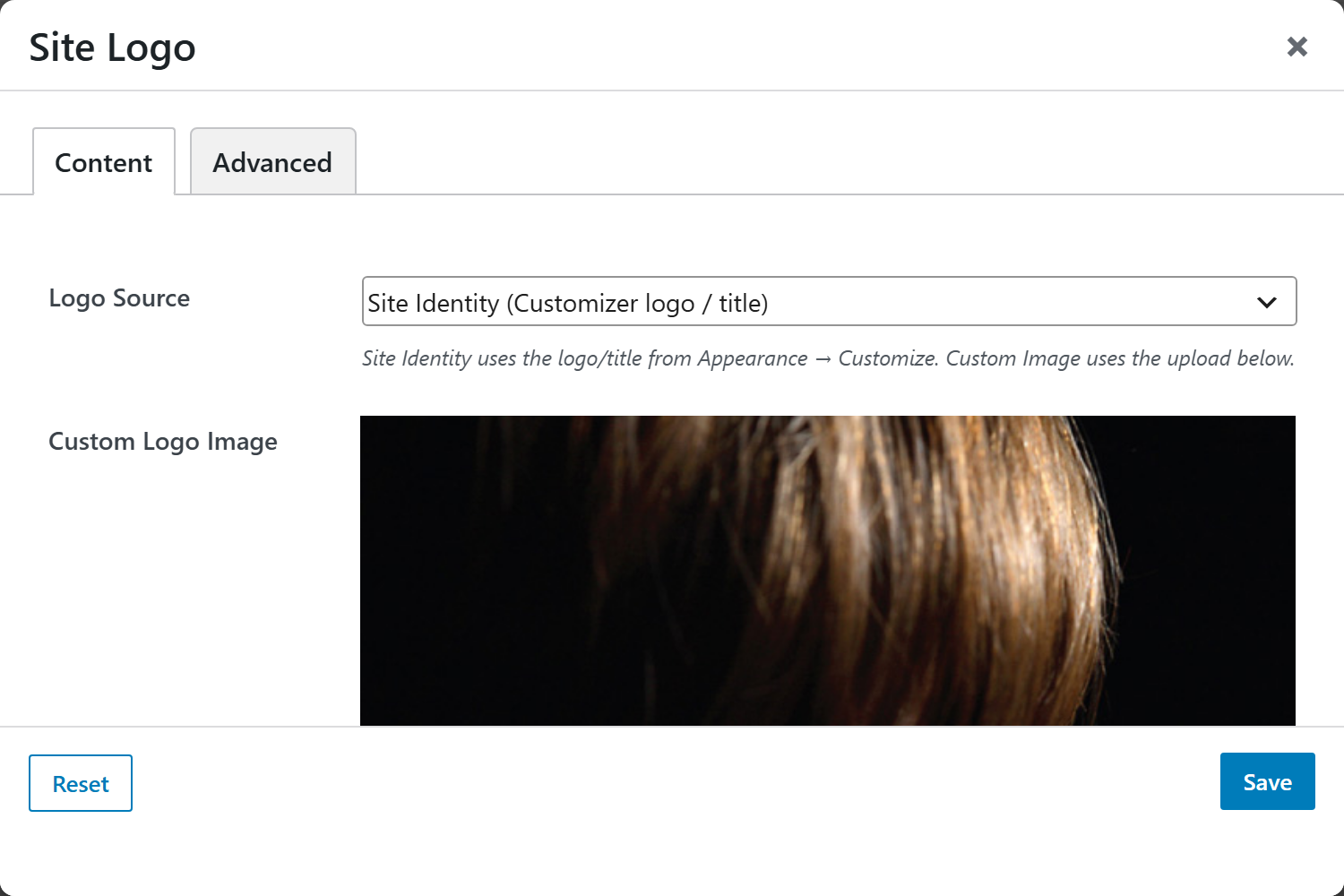
- Logo Source — Site Identity (Customizer logo / title) (default) uses the logo or title set in Appearance → Customize; Custom Image uses the upload below instead.
- Custom Logo Image — the image to display; used only when Logo Source is Custom Image.
- Link to Home — switch (default Yes) wrapping the logo in a link to the site home; set No to render it un-linked.
- Max Height — optional unit input (
px·rem·em, defaultpx) constraining the logo image height; the width scales automatically. - Alignment — position the logo: Default, Left, Center, or Right.
Advanced
Custom CSS class/ID, responsive visibility toggles, custom attributes, and margin/padding.