Search
A site search form — either always visible inline, or a compact icon that expands on click. Options live under the Content and Advanced tabs.
Content
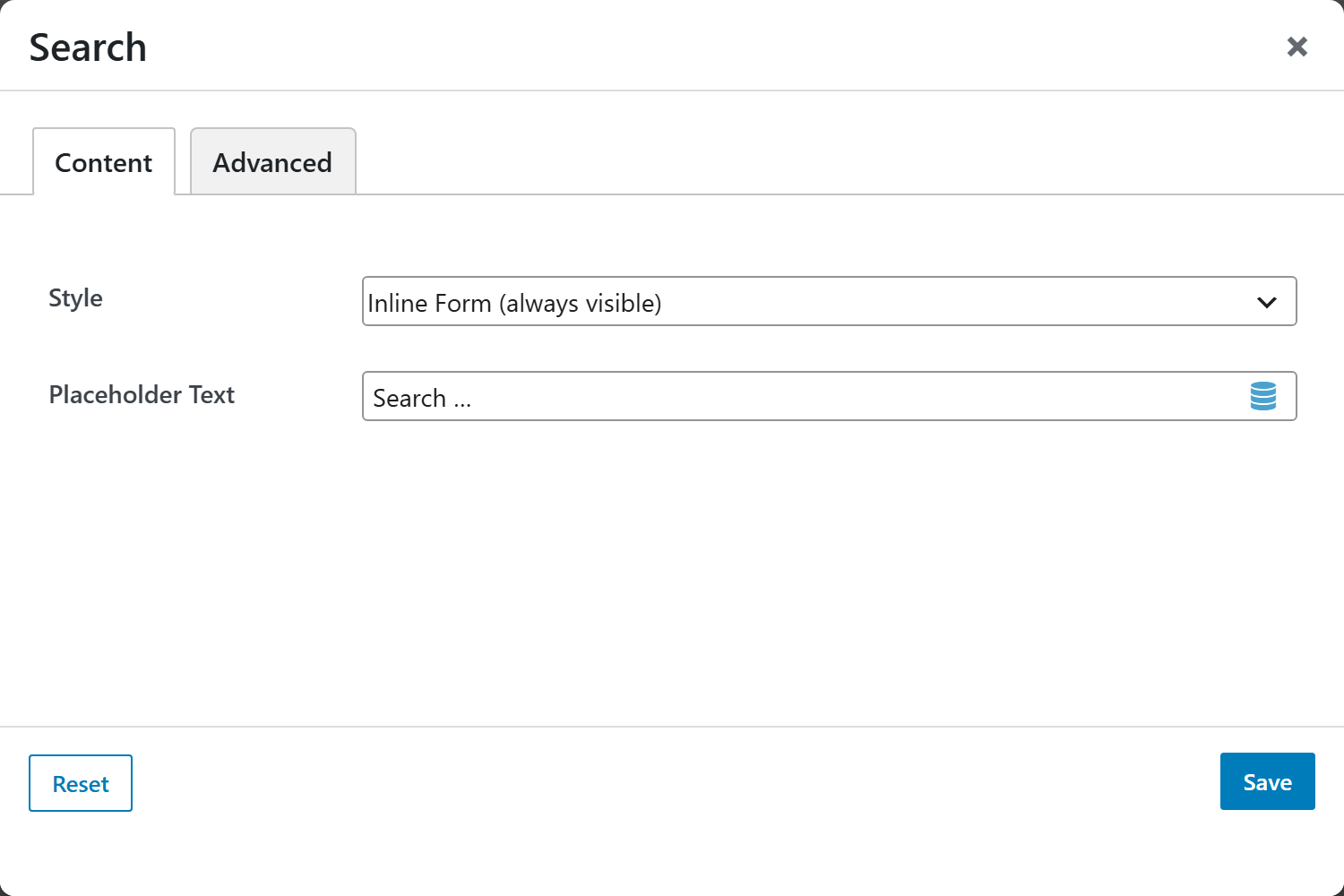
- Style — Inline Form (always visible) (default) shows the search field at all times; Icon (expands on click) shows a search icon that reveals the field when clicked.
- Placeholder Text — the field's placeholder; defaults to
Search ….
Advanced
Custom CSS class/ID, responsive visibility toggles, custom attributes, and margin/padding.