Timeline
A sequence of milestones with date, title, text, icon and image — vertical (alternating / left / right) or horizontal. Tabs: Content, Design, Styling, Animations, Advanced.
Content
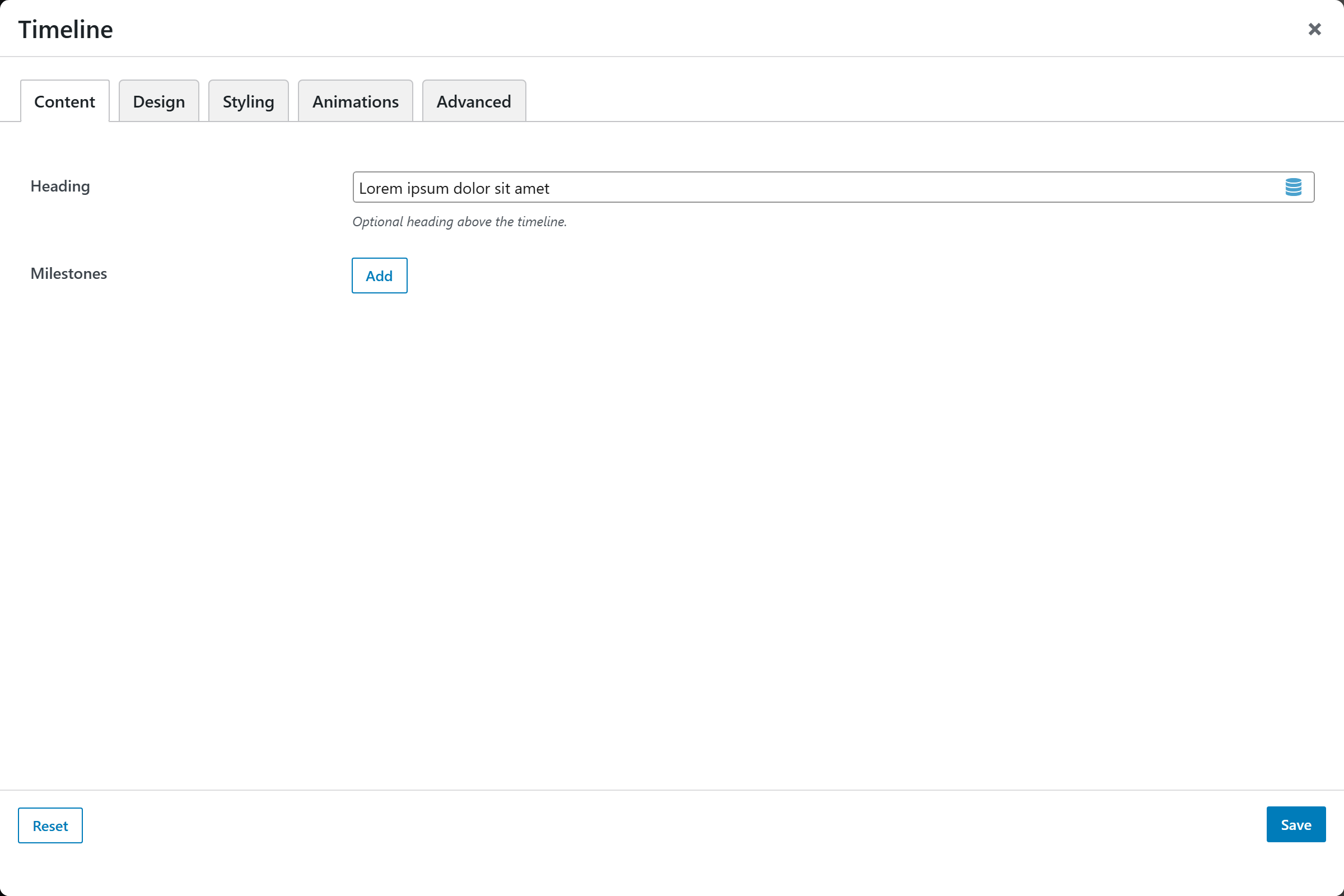
- Heading — optional section heading.
- Milestones — a repeatable list; each milestone has:
| Per-milestone option | Notes |
|---|---|
| Date / Label | Default 2024 |
| Title | Default Milestone |
| Text | Description |
| Marker Icon | Shown when Marker Style = Icon |
| Image | Optional, top of the card |
| Link Label / URL | Optional; Open in New Tab toggle |
Design
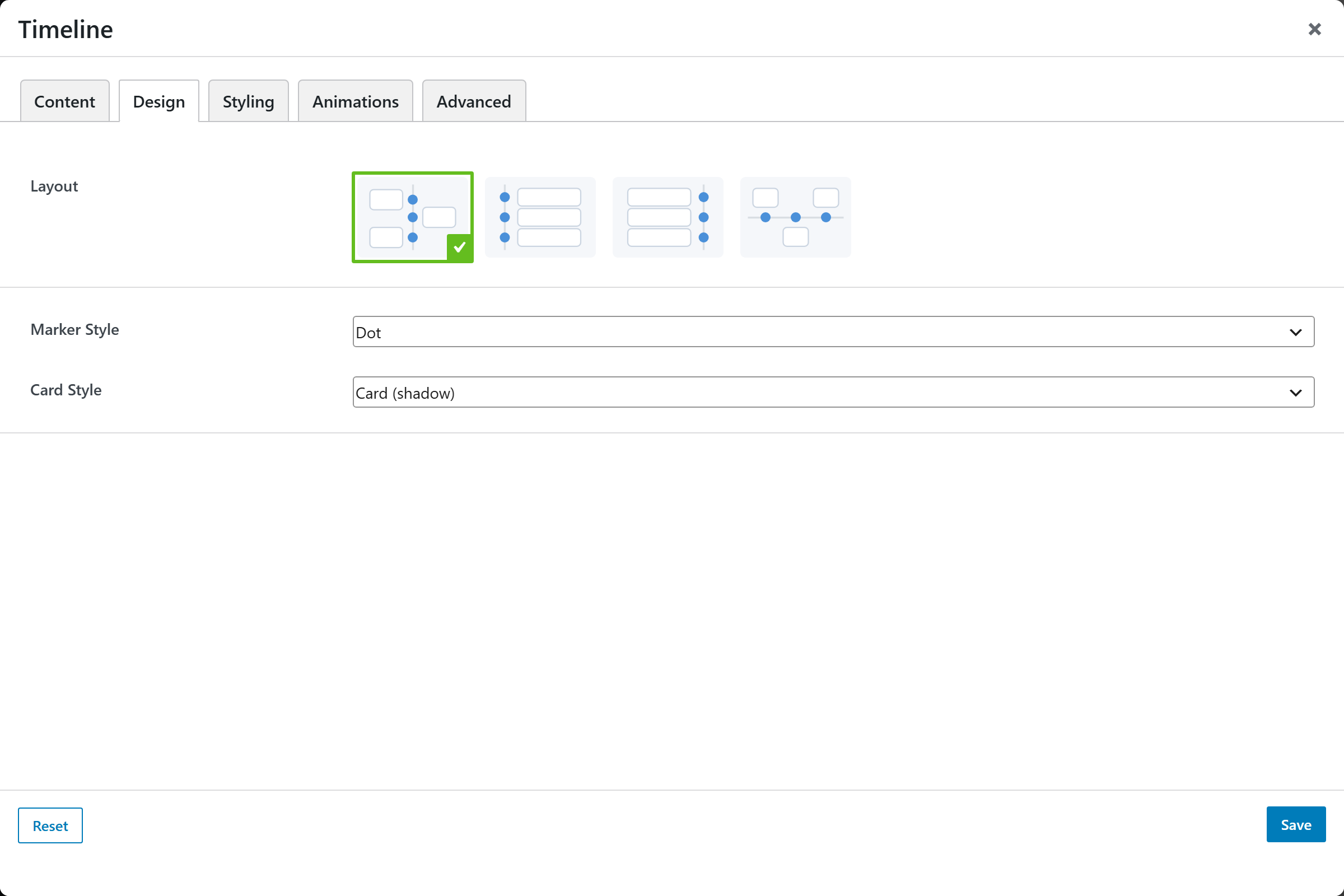
| Option | Choices |
|---|---|
| Layout | Alternating · Left · Right · Horizontal |
| Marker Style | Dot · Icon (per milestone) · Number |
| Card Style | Card (shadow) · Outline · Plain (no box) |
Styling
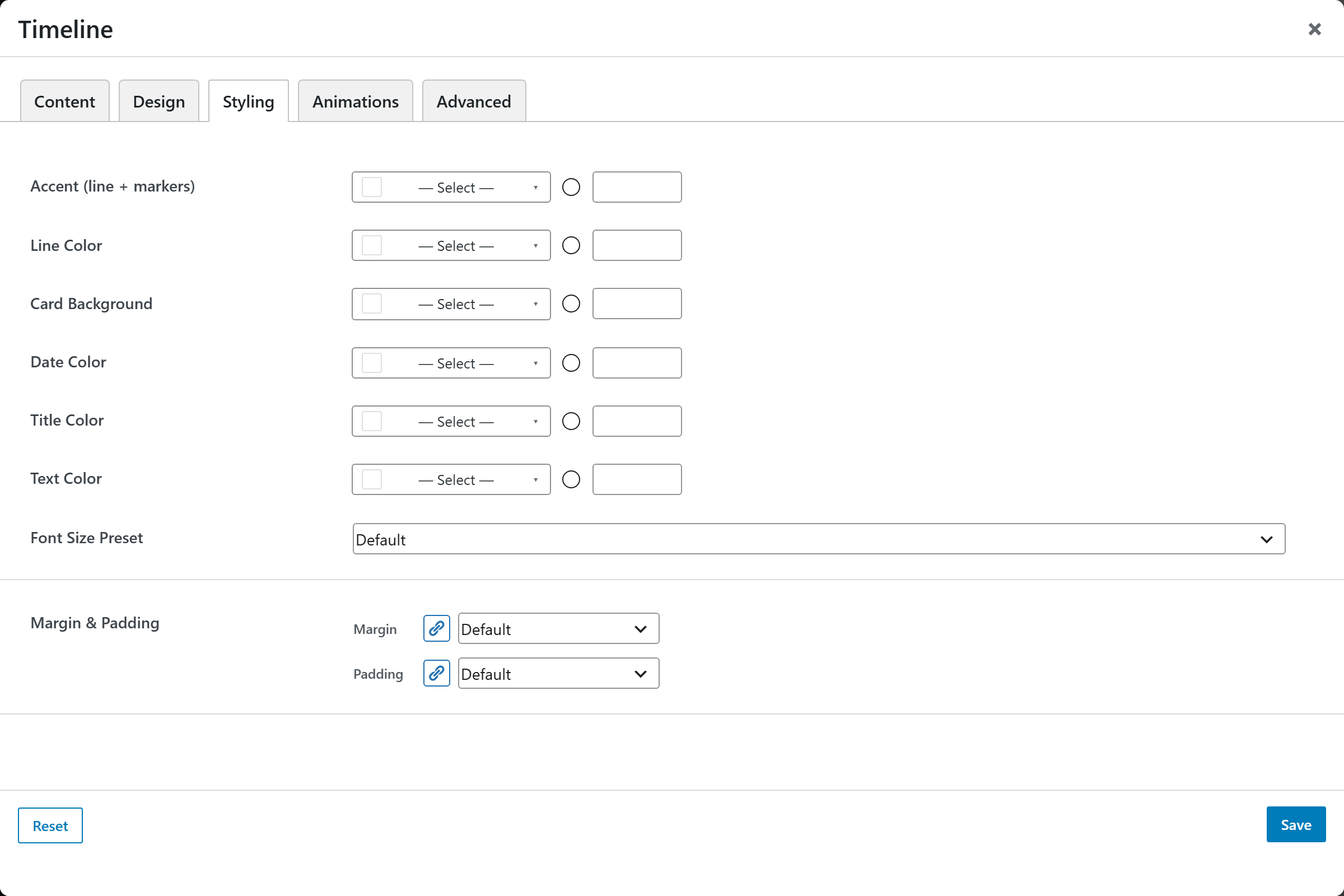
Accent (line + markers), Line Color, Card Background, Date / Title / Text colors, a Font Size Preset, and Margin & Padding.