Audio Player
A custom audio player for self-hosted or remote tracks — single track or playlist, with cover art, in several designs. Its options are organized across the Content, Design, Styling, Animations and Advanced tabs.
Content
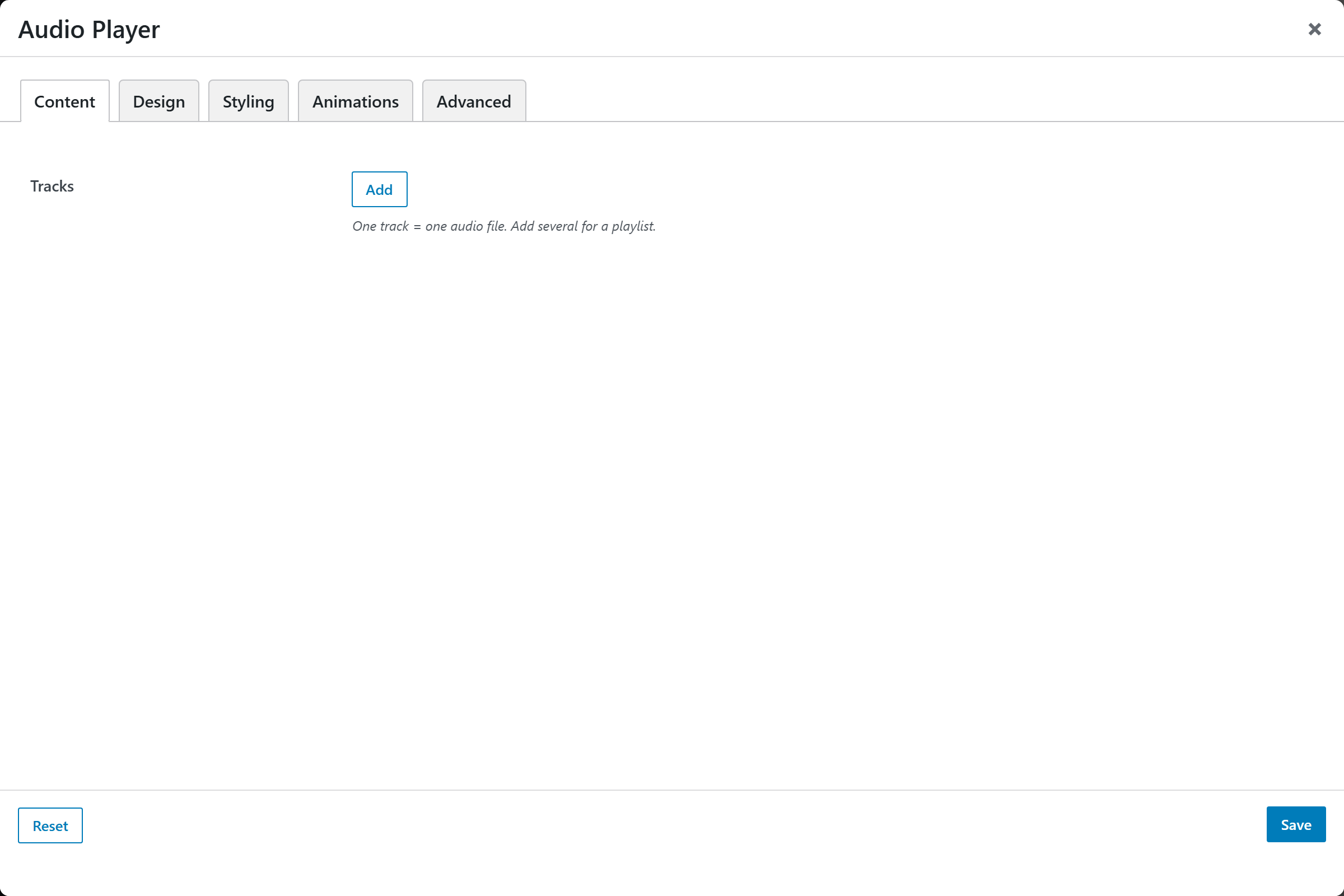
- Tracks — a repeatable list of tracks (one track = one audio file; add several for a playlist). Each entry opens an "Add / Edit Track" popup with:
- Audio File — upload or pick an audio file (mp3, m4a, ogg, wav, aac).
- Audio URL (fallback) — a direct link to an audio file, used if no file is chosen above.
- Title — the track title; defaults to "Untitled".
- Artist / Subtitle — optional secondary line.
- Cover Image — optional artwork (used by the Card / Playlist designs).
Design
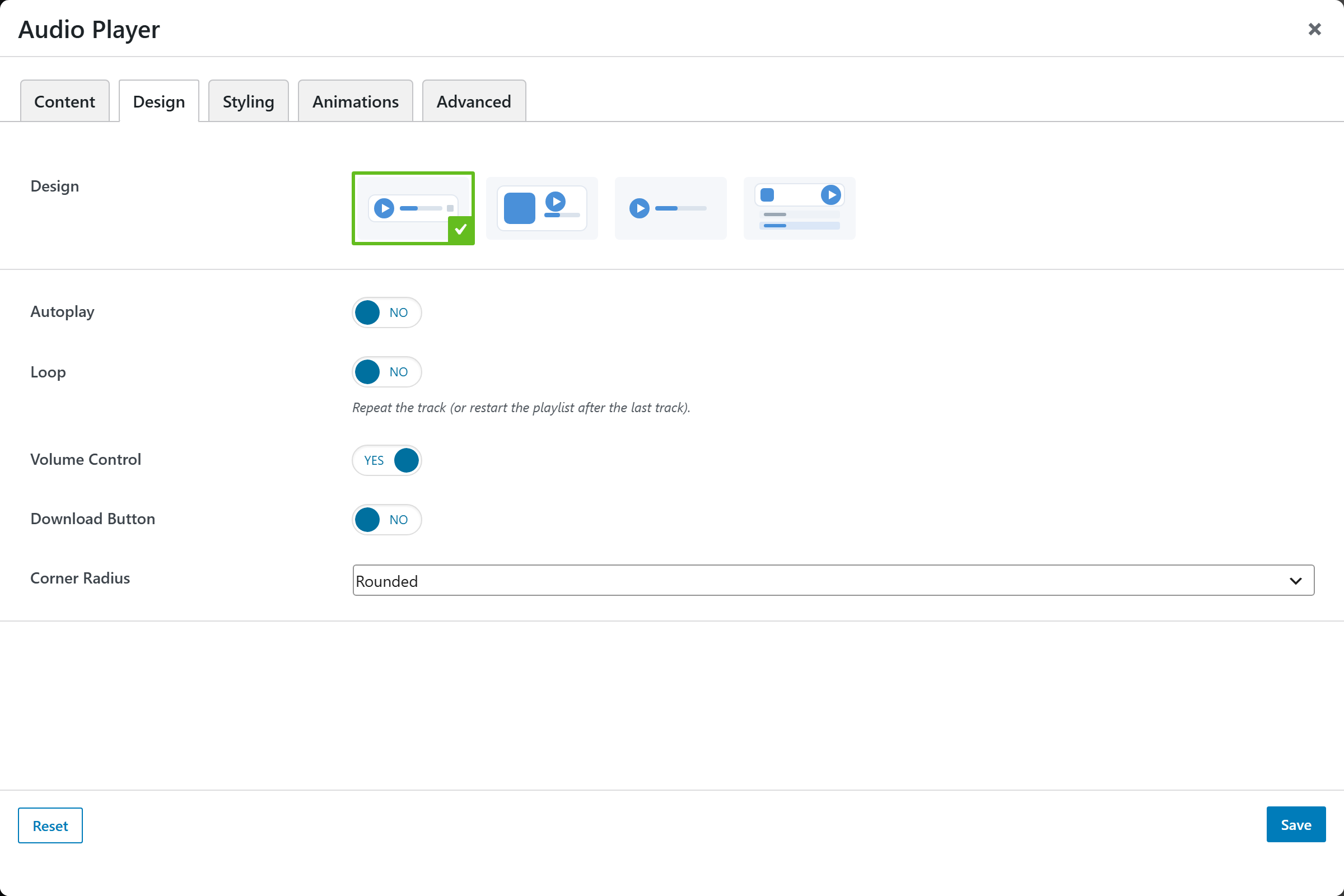
- Design — an image-picker of player designs; defaults to Classic.
- Autoplay — start playback on load (most browsers block autoplay with sound until the visitor interacts). Defaults to No.
- Loop — repeat the track, or restart the playlist after the last track. Defaults to No.
- Volume Control — show a volume control. Defaults to Yes.
- Download Button — show a download button. Defaults to No.
- Corner Radius — Square, Rounded (default), or Large.
Styling
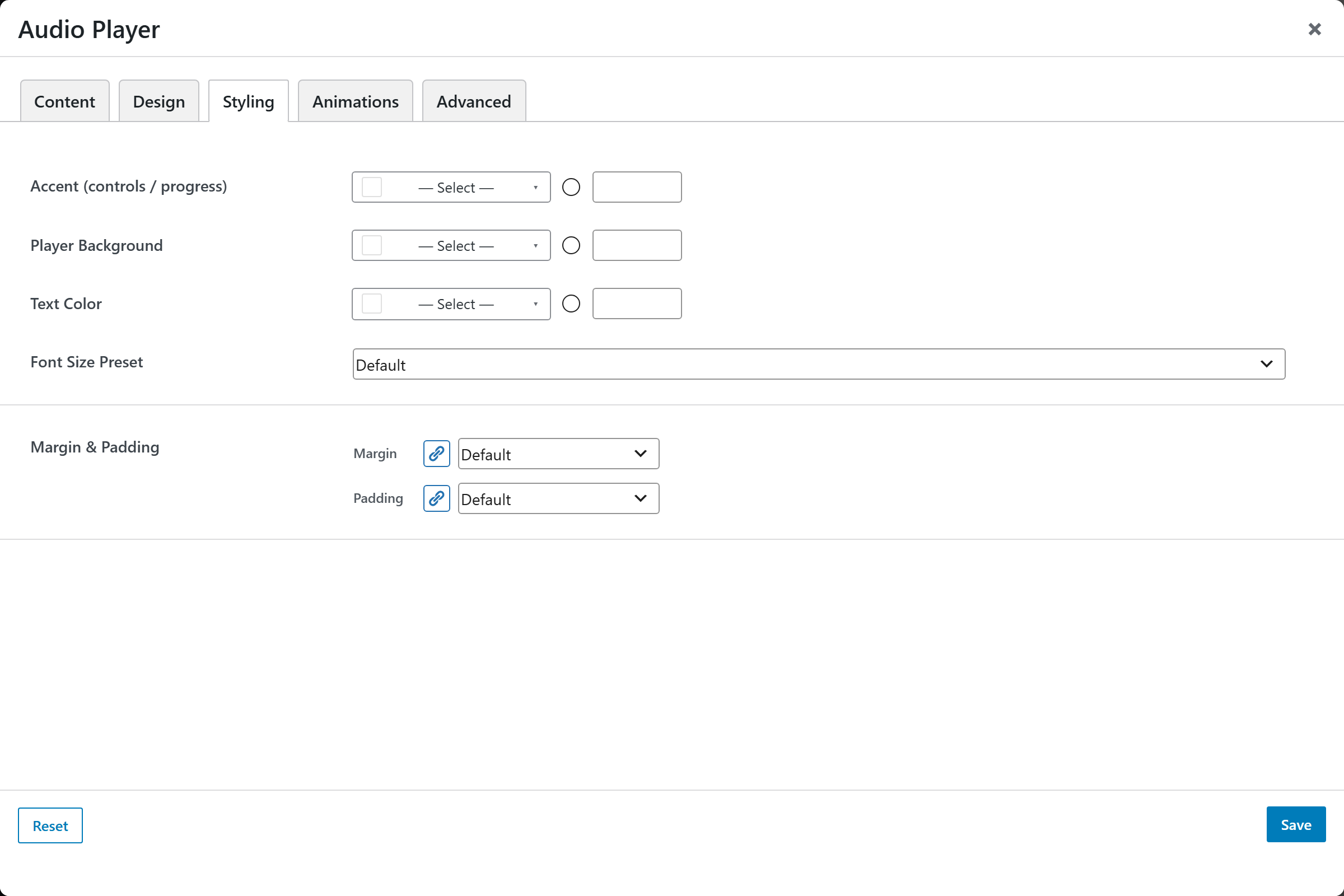
- Accent (controls / progress) — color of the controls and progress bar.
- Player Background — background color of the player.
- Text Color — color of the title/artist text.
- Font Size — text size preset.
- Margin & Padding — spacing around the element.
Animations
Standard entrance-animation controls (effect, duration, delay, offset).
Advanced
Custom CSS class/ID, responsive visibility toggles, custom attributes, and margin/padding.