Image Content
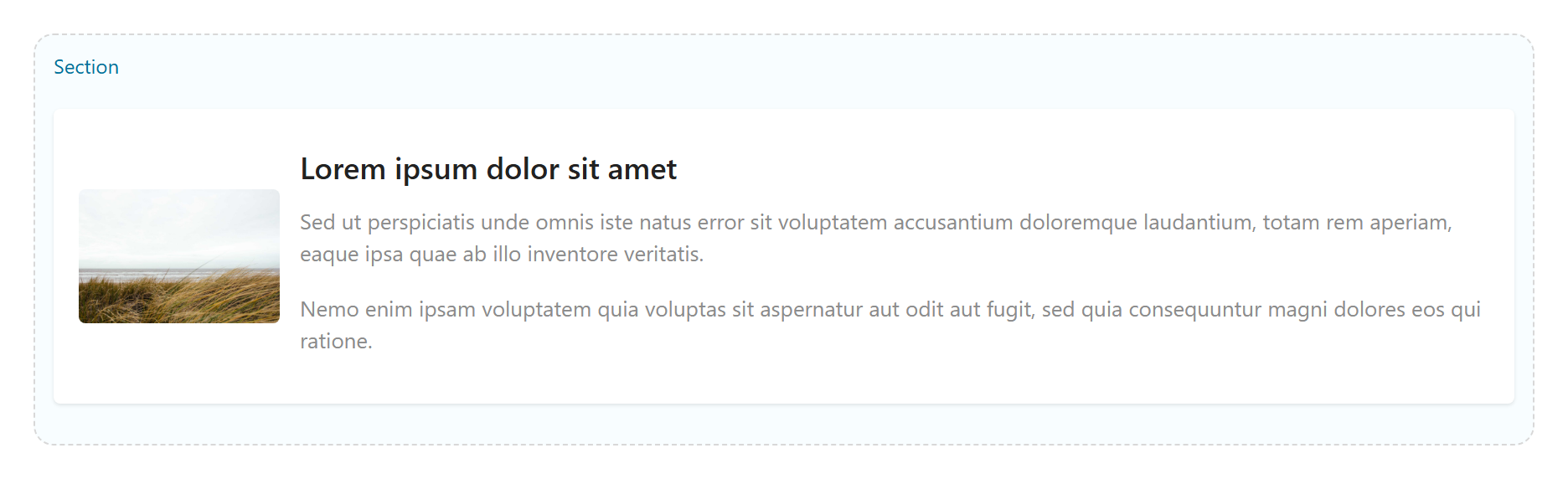
An image alongside text in a responsive two-column layout. Tabs: Content, Layout, Styling, Animations, Advanced.
Content
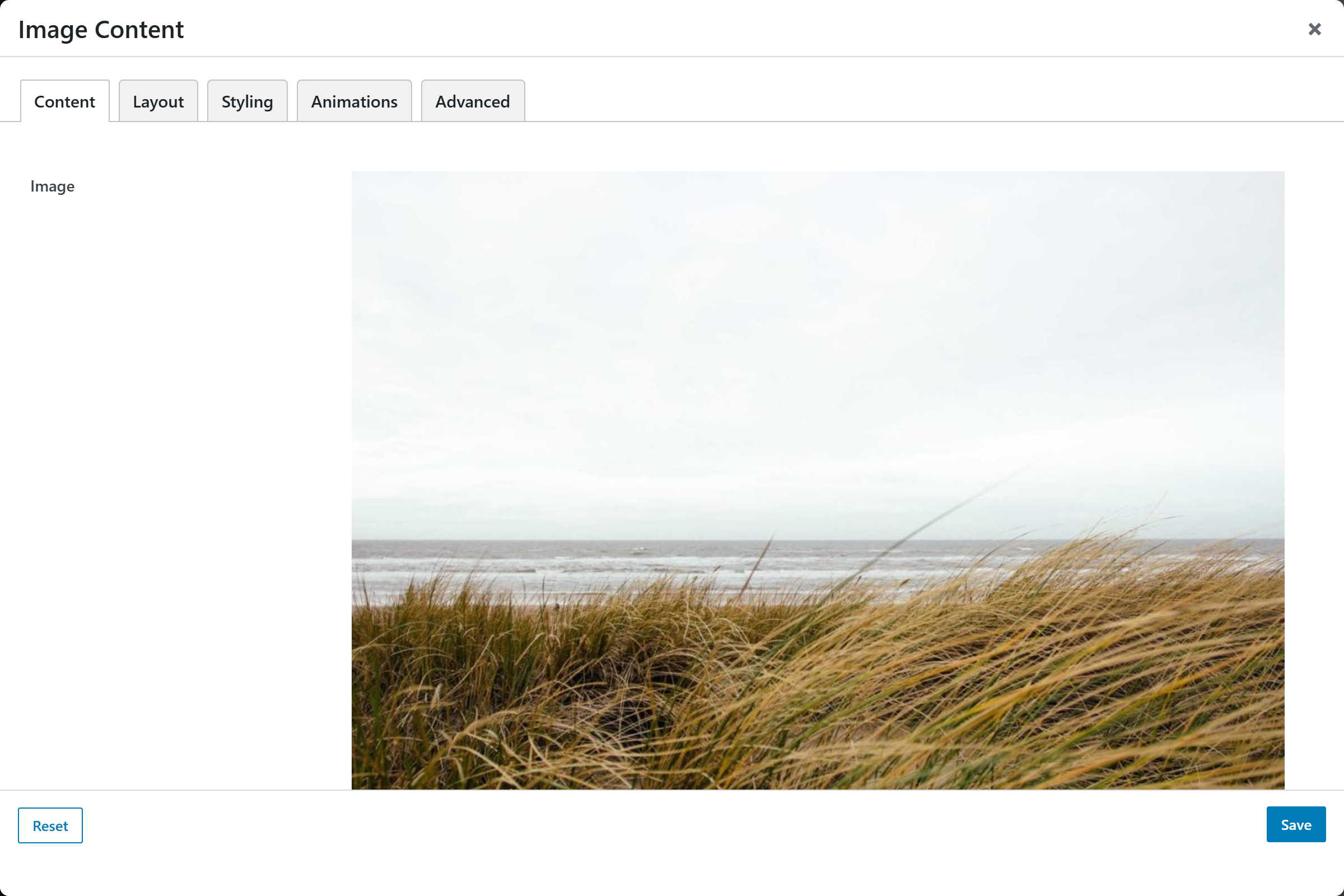
Image, Content (rich text), Image Alt Text, Image Link, Open Link in New Window.
Layout
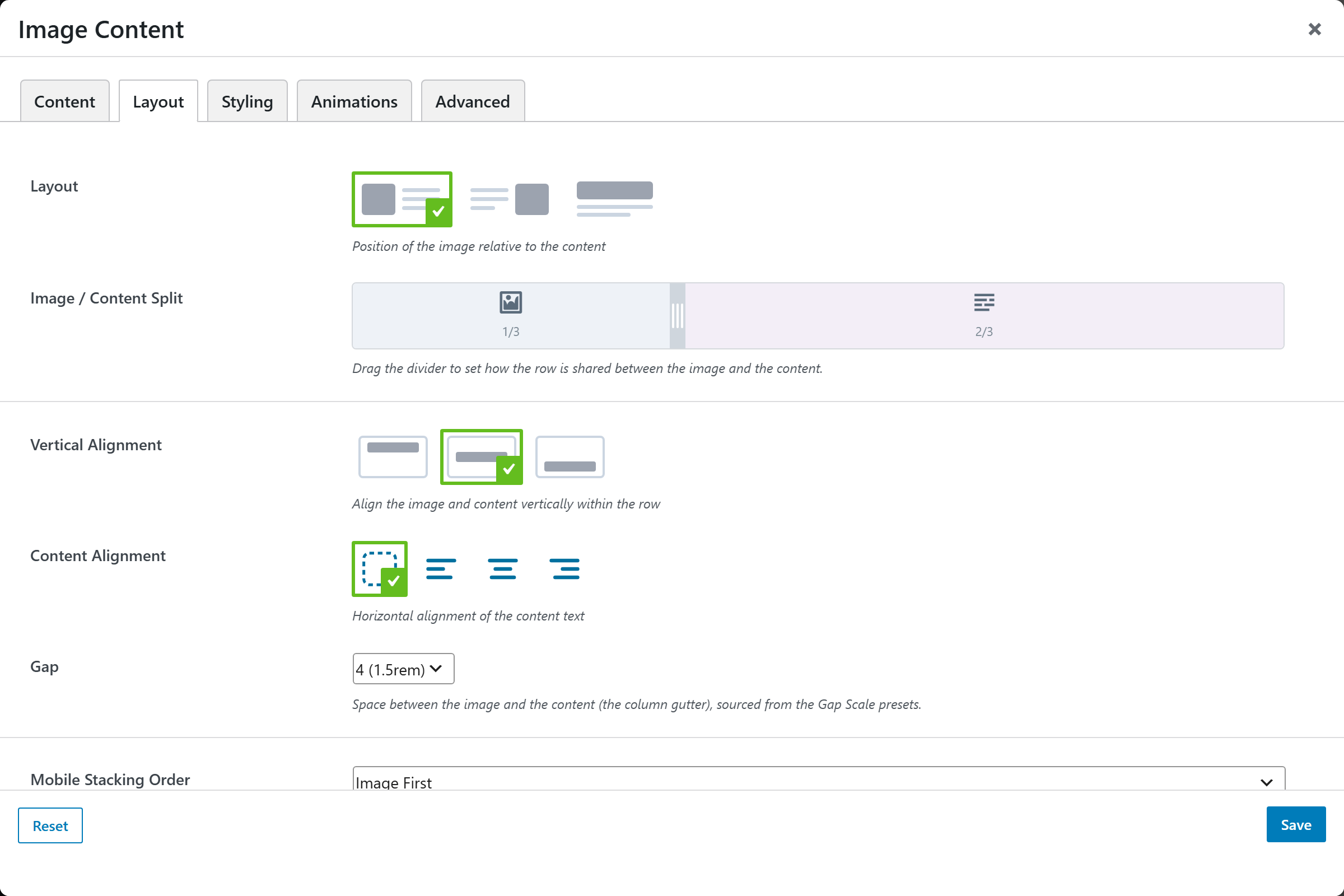
| Option | Choices |
|---|---|
| Layout | Image Left / Content Right, Image Right / Content Left |
| Column Ratio | Image/content width split (image-picker) |
| Vertical Alignment | Top, Center, Bottom |
| Gap | None, Small, Medium, Large |
| Mobile Stacking Order | Image First, Content First |
Styling
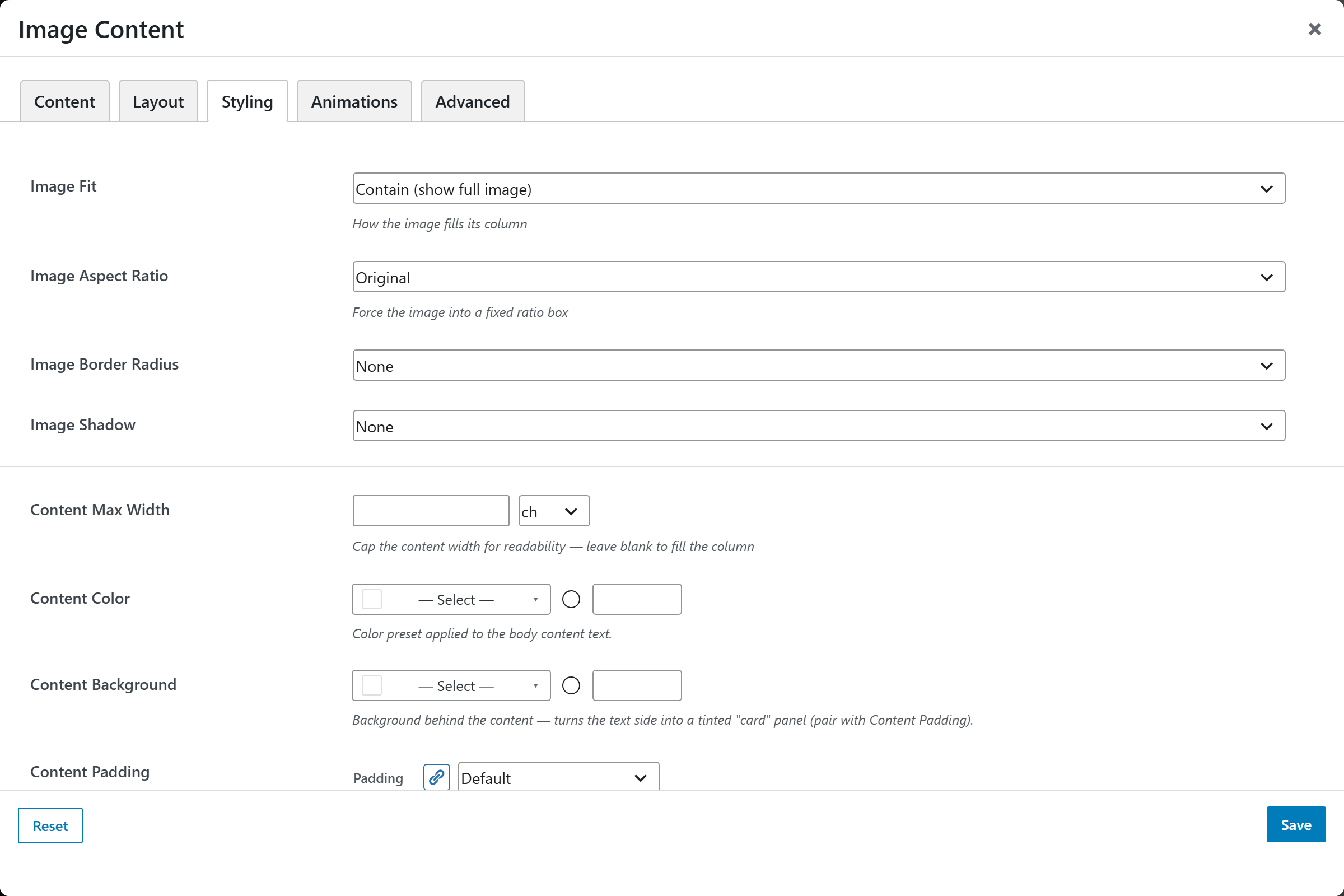
| Option | Choices |
|---|---|
| Image Fit | Contain (show full image), Cover (fill column) |
| Image Style | Any Image Style preset — crop, corners, mask, filter, scrim (Theme Settings → Components → Image Styles) |
| Image Border Radius | None, Small, Medium, Large, Circle |
| Image Shadow | Small, Medium, Large |
| Content Color | Body text color |
Screenshots — layouts & image treatments
Capture both layouts plus the fit/radius/shadow variants: image-content-left,
image-content-right, image-content-cover, image-content-circle.