Video
Embed a responsive YouTube, Vimeo, or other oEmbed-supported video from its page URL, sized by max width and aspect ratio. Its options are organized across the Content, Styling, Animations, and Advanced tabs.
Content
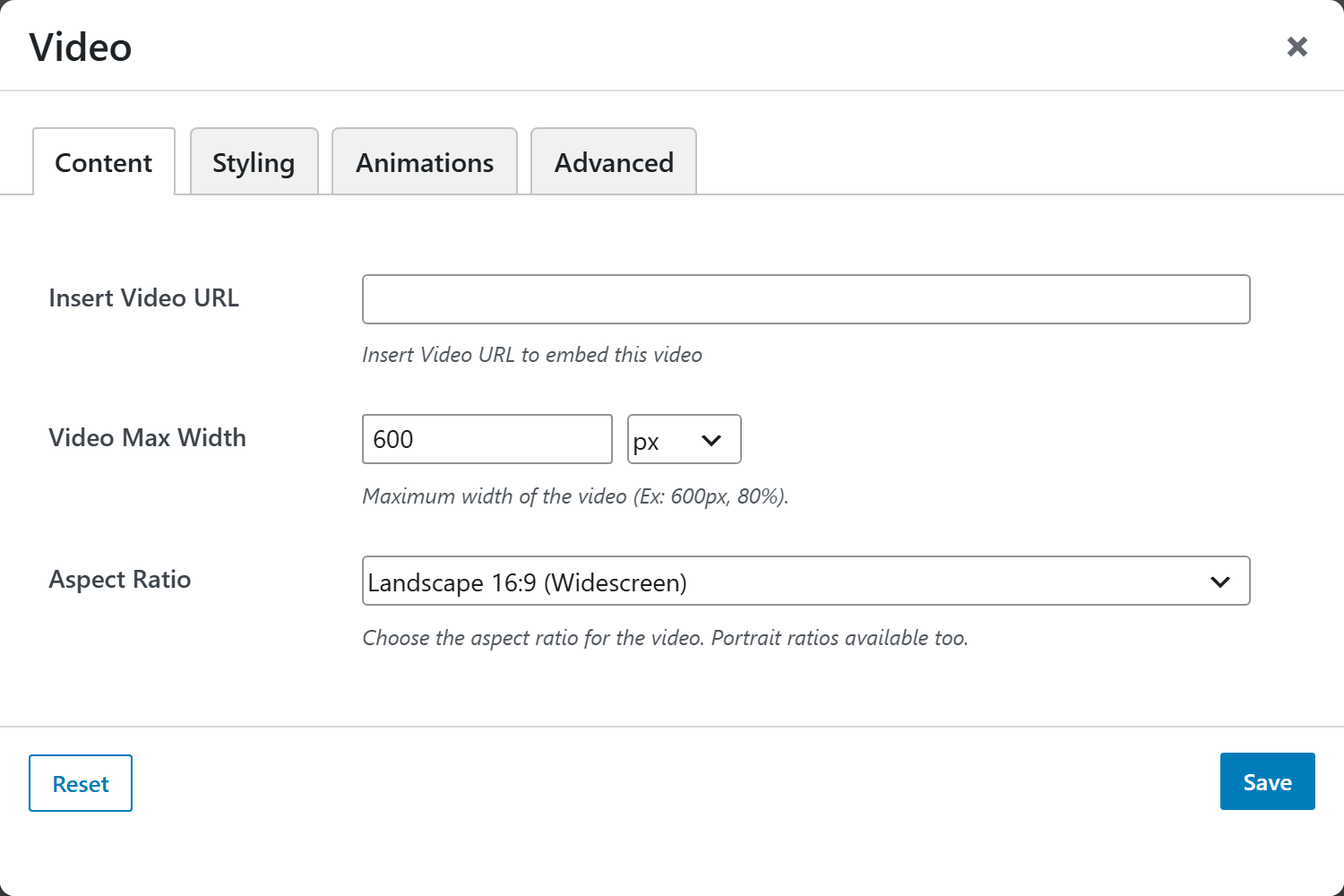
- Insert Video URL — text field. Paste a YouTube, Vimeo, or other oEmbed-supported page URL (e.g.
https://youtu.be/xxxx) — not the raw.mp4file or an iframe embed code. - Video Max Width — a unit-input (number + unit; choices
px,%,vw,rem,em; default600px).pxis a fixed cap;%/vware relative to the container / viewport. The video stays centered and the height follows the aspect ratio. - Aspect Ratio — select (default
16x9):
| Option | Choices |
|---|---|
| Aspect Ratio | Landscape 16:9 (Widescreen), Landscape 4:3 (Standard), Square 1:1, Landscape 21:9 (Ultra Wide), Portrait 9:16 (Widescreen), Portrait 3:4 (Standard) |
Styling
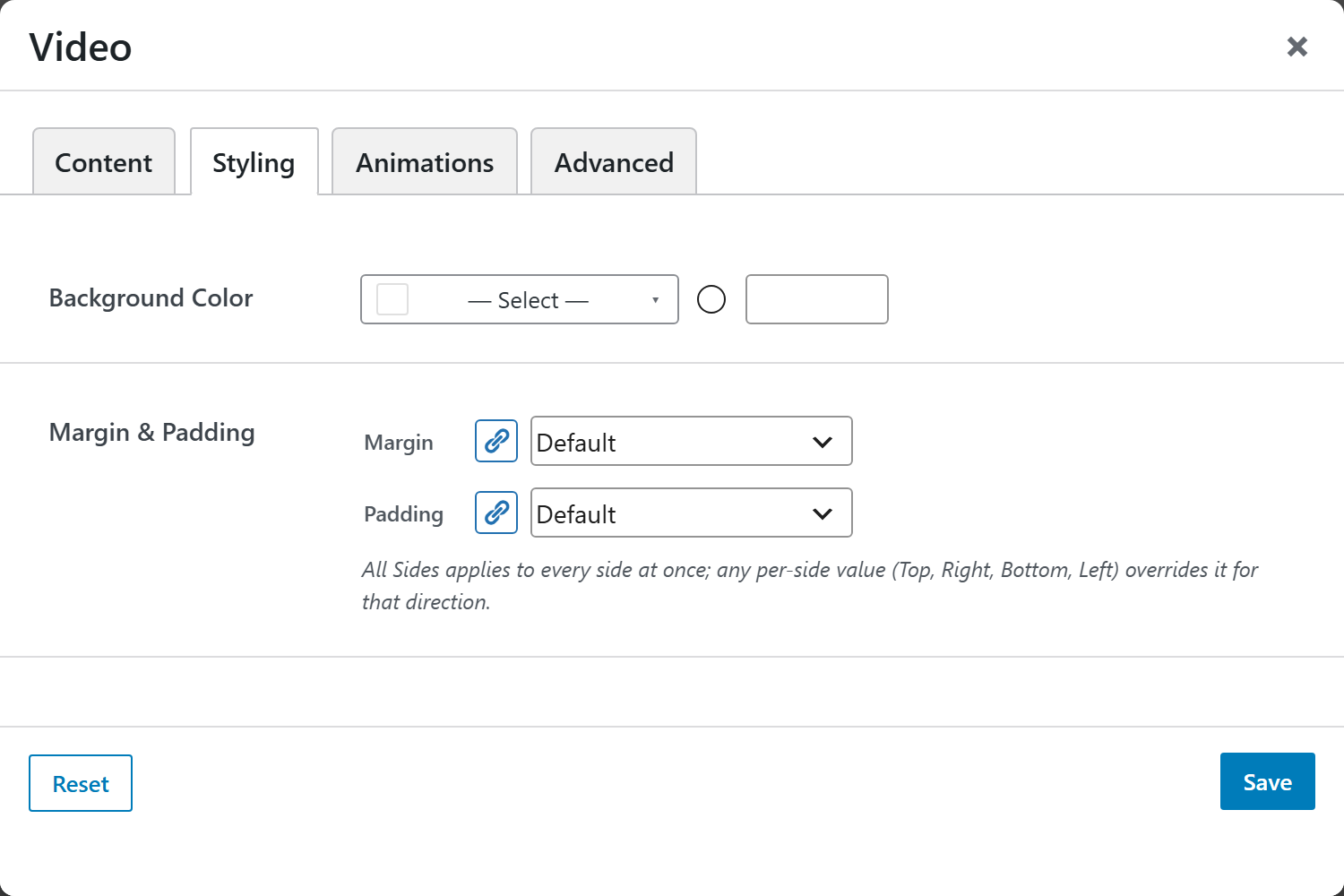
- Background Color — compact color picker (a
bg-*preset or custom hex) applied to the wrapper. - Margin & Padding — spacing control. All Sides applies to every side at once; any per-side value (Top, Right, Bottom, Left) overrides it for that direction.
Animations
Standard entrance-animation controls (effect, duration, delay, offset).
Advanced
Custom CSS class/ID, responsive visibility toggles, custom attributes, and margin/padding.