Project Gallery
Show a portfolio project's image gallery as a responsive grid with a built-in lightbox. Provided by the Portfolio extension. Tabs: Content, Layout, Styling, Animations, Advanced.
Content
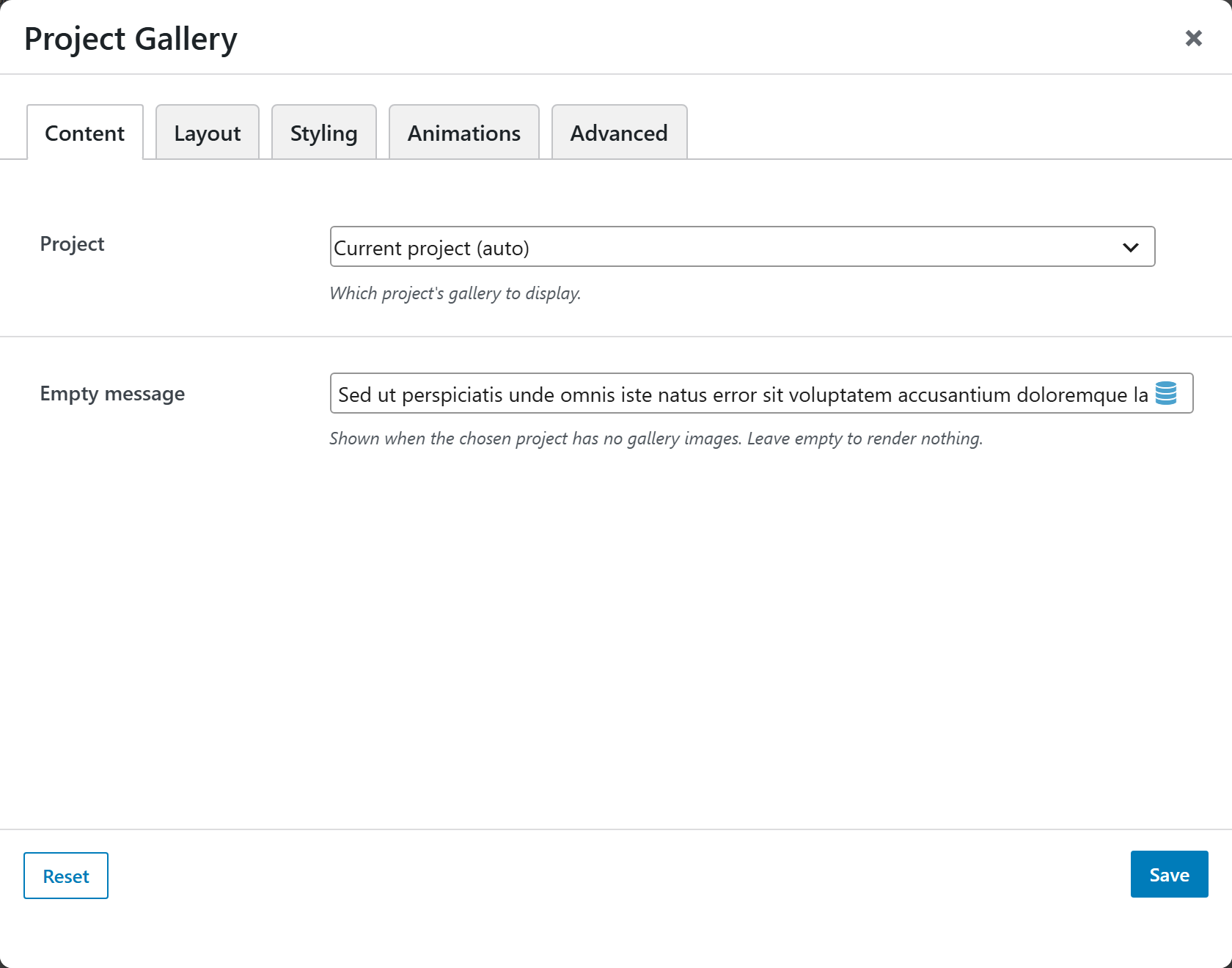
| Option | Choices |
|---|---|
| Project | Current project (auto) or a specific project |
| Empty message | Shown when there are no images (blank = render nothing) |
Layout
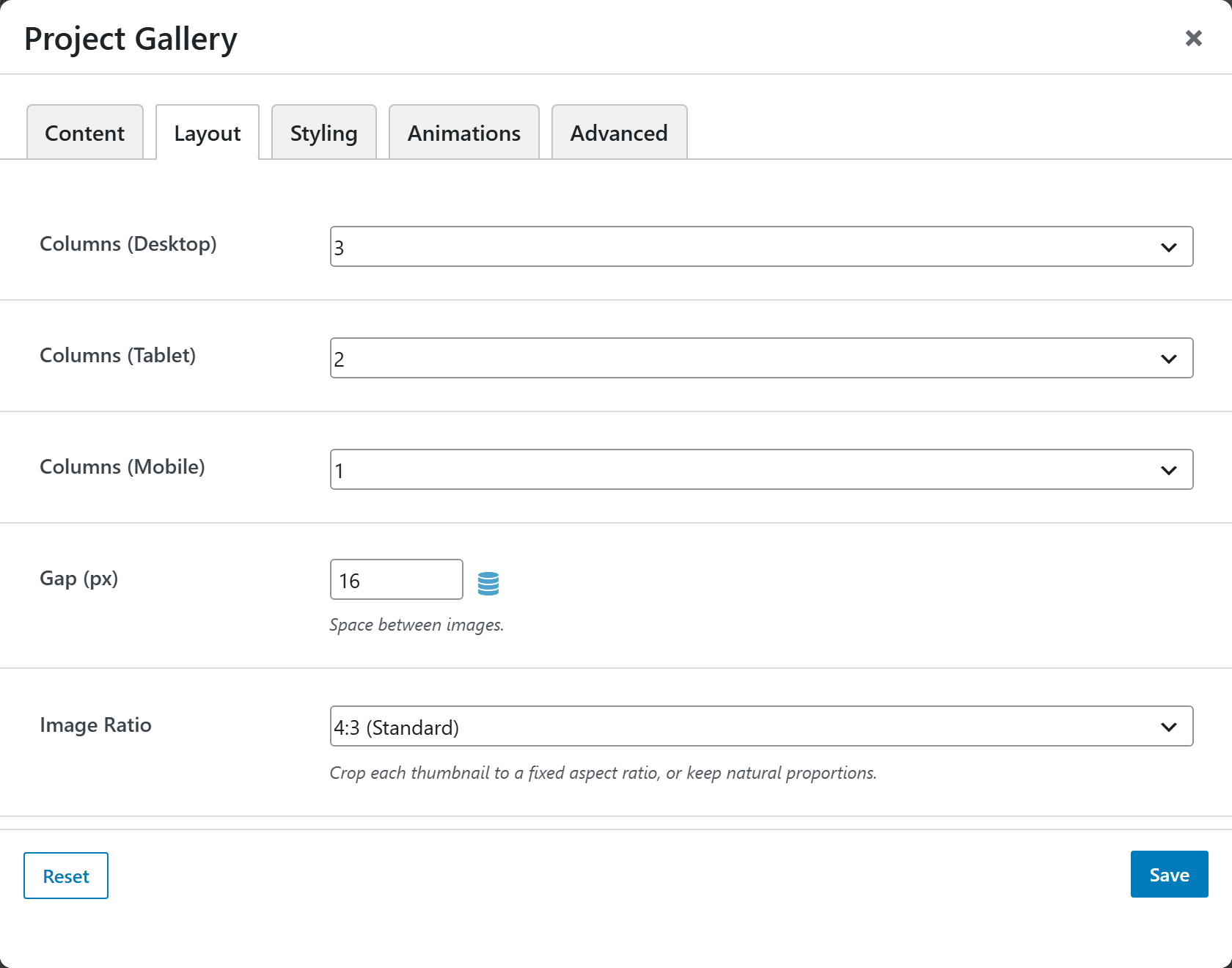
| Option | Choices |
|---|---|
| Columns (Desktop / Tablet / Mobile) | Desktop 1–6 · Tablet 1–4 · Mobile 1–2 |
| Gap | Pixels (default 16) |
| Image Ratio | 16:9 · 4:3 · 3:2 · 1:1 · 2:3 · Auto (natural) |
| Thumbnail Image Size | Thumbnail · Medium · Medium Large · Large · Full |
| Lightbox | Open fullscreen on click |
| Show Captions | Display image titles beneath thumbnails |
Styling
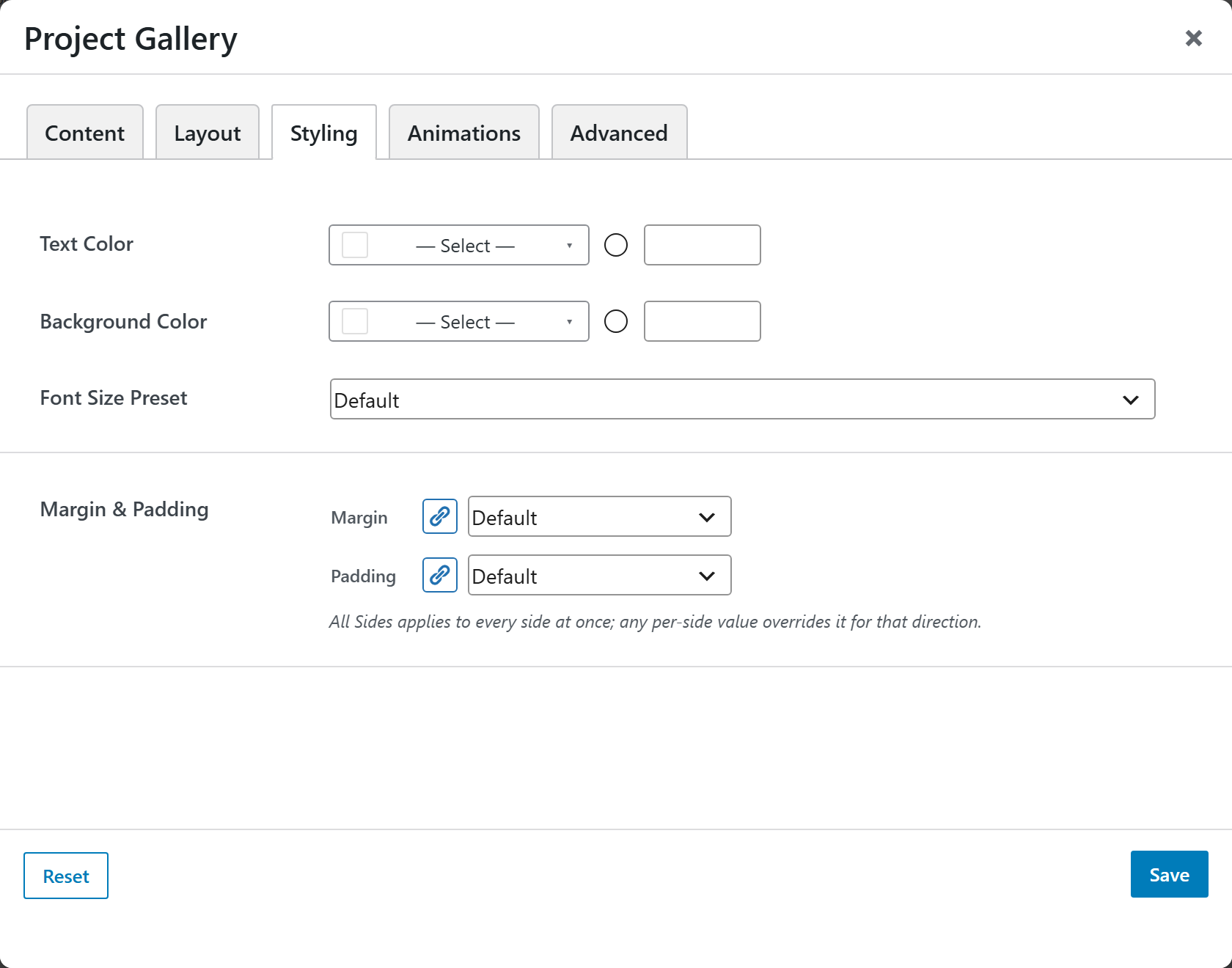
Text Color, Background Color, a Font Size Preset, and Margin & Padding.