WooCommerce Elements
Shop building blocks added by the WooCommerce extension. They appear in their own WooCommerce Elements tab in the page builder and only show when WooCommerce is active. Each is a friendly wrapper around WooCommerce's own data/shortcodes, so output stays compatible with WooCommerce and any extensions.
Most elements also expose an Advanced tab (visibility, custom class/ID); omitted below for brevity. Catalog grids inherit the shop columns / related counts from WooCommerce → Settings.
Products
A product grid (or carousel) by source, with clean self-contained cards and native add-to-cart.
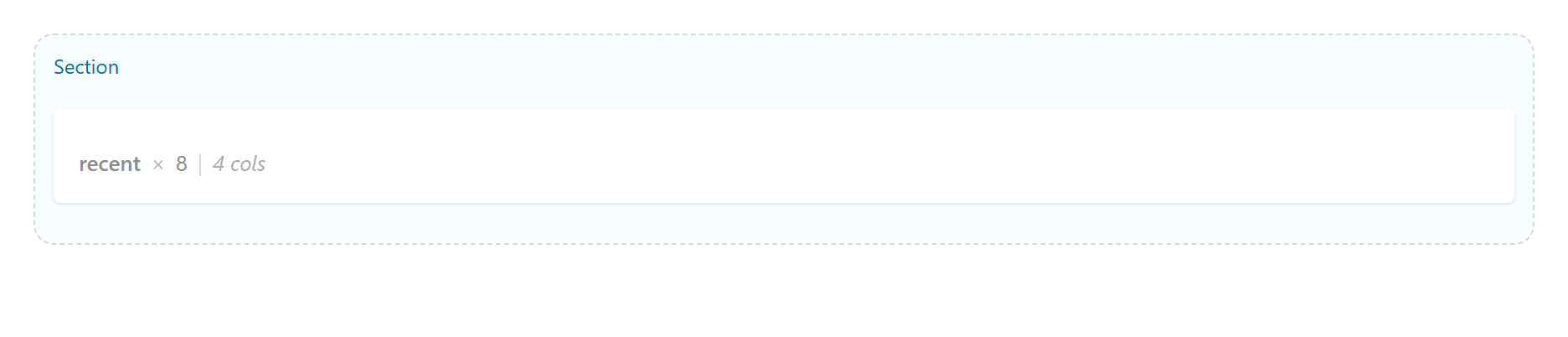
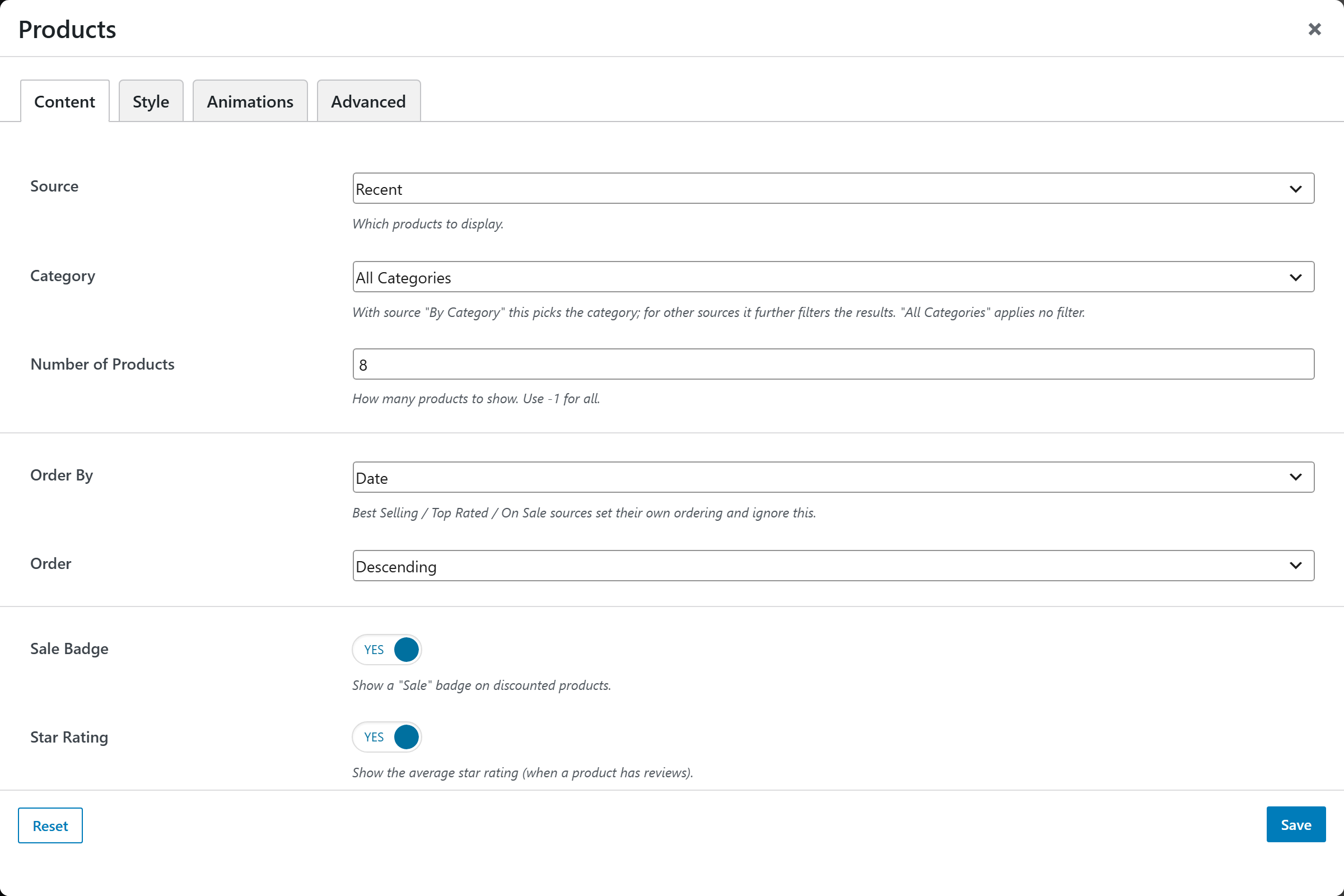
Content: Source (Recent · Featured · On Sale · Best Selling · Top Rated · By Category · By Tag · By Attribute · Specific Products · Recently Viewed · Cross-sells), Category, Tags, Attribute + Attribute Terms, Product IDs, Number of Products, Order By, Order, and display toggles: Sale Badge + Sale Badge Style (Text / Percent “-25%”), Featured / New / Out-of-stock badges, Stock status (“Only N left”), Quick View, Star Rating, Price, Add to Cart.
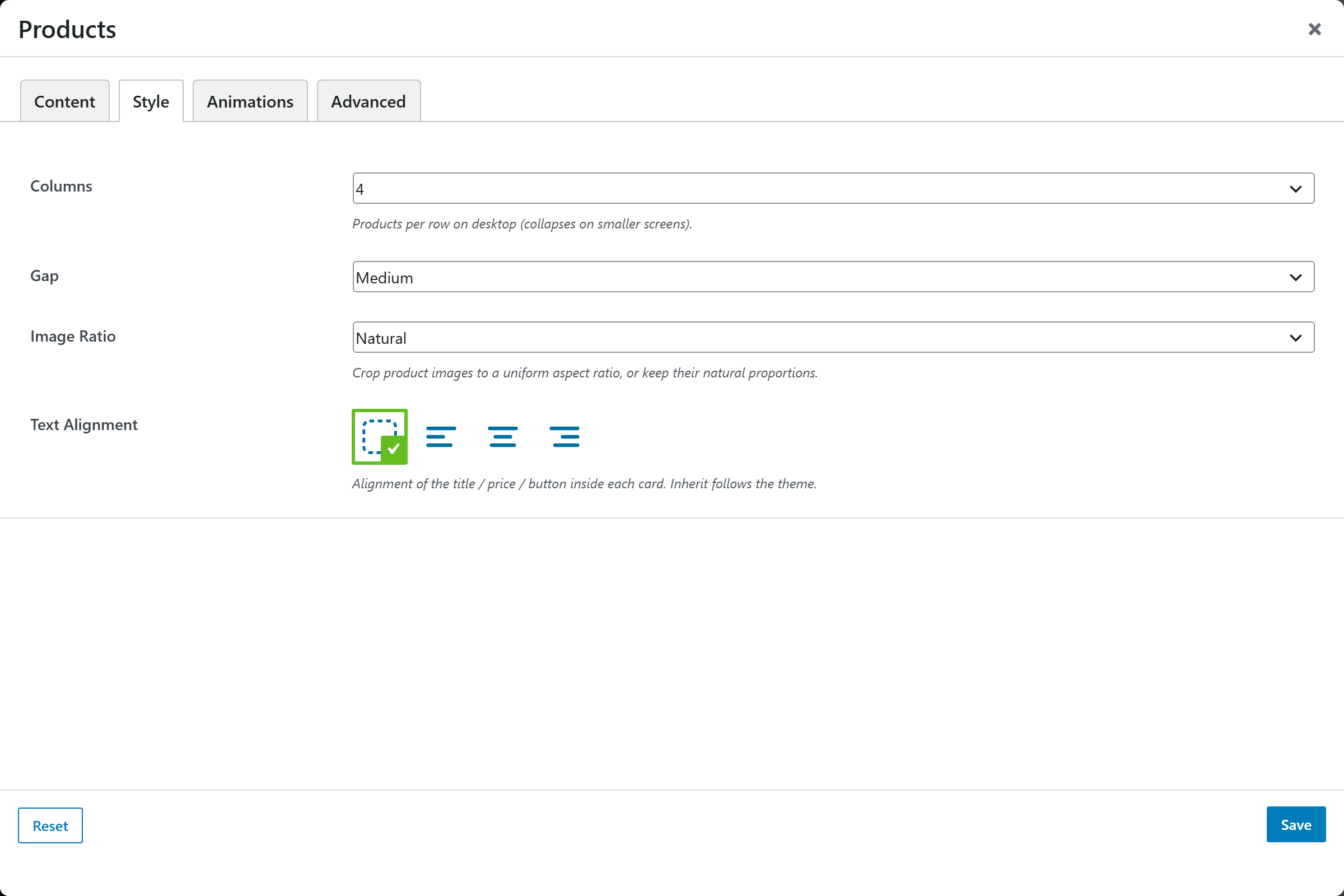
Style: Layout (Grid or Carousel — a swipe/scroll track with arrows), Columns, Gap, Image Ratio (Natural · Square · Portrait · Landscape), Text Alignment, and Pagination (None / Load More — reveals more products via AJAX, grid only).
Quick View adds a button on each card that opens a modal (image, price, rating, short description, add-to-cart, and a full-details link) without leaving the page.
Product Categories
A grid of product-category cards.
Key options: Number, Columns, Order By (Name · Slug · Product Count · Menu Order), Order, Parent Category ID, Specific Category IDs, Hide Empty.
Single Product
One product shown as a compact card (image, title, price, add-to-cart).
Key options: Product (picker).
Product Page
Embeds the full single-product layout (gallery, summary, tabs, related) for one product.
Key options: Product (picker).
Add to Cart Button
A standalone add-to-cart button for one product, with optional price.
Key options: Product (picker), Quantity, Show Price, WooCommerce's Default Box (the bordered box; off = a plain themed button).
Cart Icon
A cart icon with a live item-count badge (and optional total) linking to the cart — ideal for headers. The count/total update without a reload when items are added via AJAX.
Key options: Icon (Bag · Cart · Basket · None), Label, Item Count, Cart Total, Hide When Empty.
Mini Cart
A cart icon that opens a dropdown with the cart contents, subtotal and checkout button. Updates live via AJAX.
Key options: Icon (Bag · Cart · Basket), Open On (Click · Hover), Item Count.
Account
A header account link with a dropdown — a login form for guests, the account menu (orders, addresses, details, logout) for logged-in users. Shows “Login” or “Hi, name”.
Key options: Show Label, Open On (Click · Hover).
Free Shipping Bar
A progress bar showing how much more the customer needs to spend to reach the free-shipping
threshold (“Spend $45 more for free shipping” → “You’ve unlocked free shipping!”). Reads the
threshold from your free-shipping method and updates live as the cart changes. Renders nothing
when no free-shipping minimum is configured. The threshold is filterable via
upw_wc_free_shipping_threshold.
Cart · Checkout · My Account · Order Tracking
The classic WooCommerce page shortcodes wrapped as elements, so you can build these pages in the page builder with surrounding content. They render the classic (non-block) experience — place each on the page assigned under WooCommerce → Settings → Advanced.
- Cart — items table + totals.
- Checkout — billing, shipping, order review, payment.
- My Account — login/register for guests; dashboard, orders, addresses for logged-in users.
- Order Tracking — a form to look up an order by ID + email.
Product Search
A search form scoped to products (post_type=product) — for shop headers or sidebars.
Key options: Placeholder.
Product Filters
A shop filter widget. Designed for shop / category archive pages (a sidebar) — on other pages it may render nothing.
Key options: Filter (Price · Attribute · Rating · Active Filters), Title, Attribute (for the Attribute filter) + Display (List · Dropdown) + Logic (AND · OR).