How settings become CSS
A defining trait of the Unyson+ Theme is that the front end ships no inline <style> blocks and
no per-element inline styles. Every settings-driven style — colors, typography, header/footer,
custom CSS — is compiled into one generated stylesheet. This page explains that pipeline and
where each kind of styling ends up.
One generated stylesheet
On the front end, all settings-driven CSS is compiled into a single file at
uploads/unysonplus/unysonplus-generated.css, enqueued right after the parent stylesheet
(inc/includes/hf-custom-css.php → unysonplus_generated_css()). It concatenates, in order:
unysonplus-generated.css
  1. Typography tokens        unysonplus_css_tokens_css()      (--h1-font-family/-size/…, body)
  2. Theme-var :root block    unysonplus_theme_vars_css()      (--site-bg-color, --header-bg, …)
  3. Per-section Custom Styling  (Header Top/Main/Bottom · Footer Pre/Main/Post)
     + global rules (site title/tagline color, scroll-to-top, CTA buttons, footer logos)
Freshness without staleness: the CSS is rebuilt on every front-end load but written to disk
only when its content hash changes (unysonplus_hf_css_hash option) — so there's no stale file
and no extra compute versus the old inline emit. It's also proactively rebuilt on
fw_settings_form_saved / customize_save_after, with a wp_add_inline_style fallback if the
uploads directory isn't writable.
Some styling rides utility classes instead of generated CSS: padding uses the spacing
Bootstrap utility classes, and the container width + a "Custom CSS Class" ride wrapper classes
(unysonplus_hf_section_render_attrs()). The generated file is for the computed design tokens,
not the class-based bits.
The three token builders
| Builder | File | Produces |
|---|---|---|
| Typography tokens | inc/includes/css-tokens.php | --h1..h6 / body font-family, size, line-height, letter-spacing, color (incl. mobile tiers) |
| Theme vars | inc/includes/theme-vars.php | the :root { … } block: --site-bg-*, --container-gutter, --header-*, --footer-*, --color-text, --font-body, --font-heading, … |
| Global custom CSS | inc/includes/misc.php | the Misc → Custom CSS field, emitted last so it wins the cascade |
In the admin (the live page-builder preview) these are emitted inline on admin_head
(unysonplus_emit_css_tokens() / unysonplus_emit_theme_vars()) so the editor canvas matches the
front end; on the front end they're folded into the one generated file instead.
Settings → token example
A value chosen in Theme Settings maps to a CSS custom property, which style.css consumes:
Theme Settings → General → Layout → Border Roundness: "Subtle"
        │  theme-vars.php
        ▼
:root { --radius: .375rem; --radius-sm: .25rem; --radius-lg: .5rem; }
        │  style.css
        ▼
.card, .btn, input, img { border-radius: var(--radius); }
The site background works the same way: the General → Layout site_background field is a
background-pro value (color + gradient + image layers), resolved into
--site-bg-color / --site-bg-image / --site-bg-position|repeat|size|attachment.
Where bespoke CSS goes
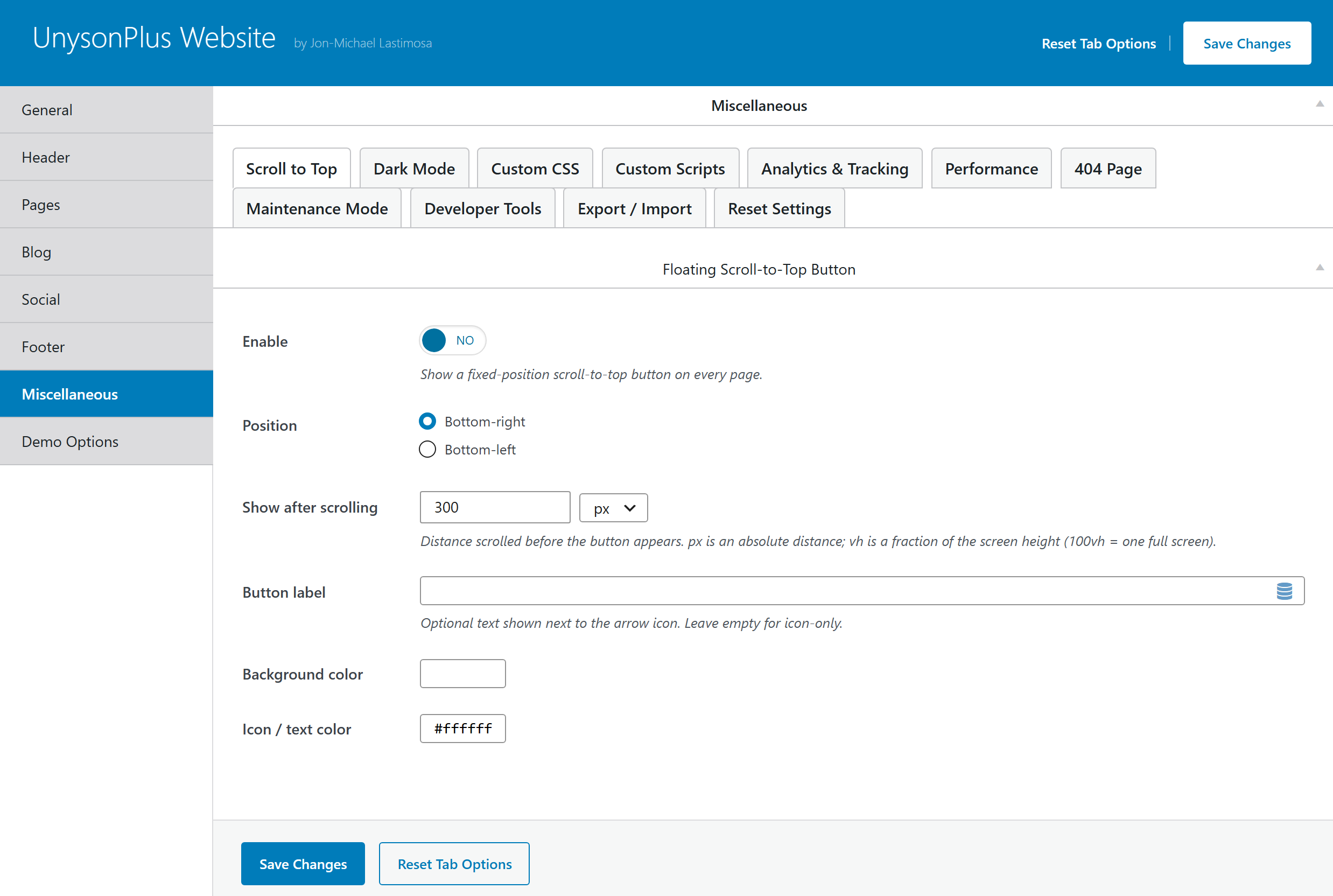
For per-design CSS that isn't expressible as a structured setting (a mockup's bespoke
header/footer overrides, one-off token tweaks), use Misc → Custom CSS. It's emitted in
<style id="unysonplus-custom-css"> at wp_head priority 999 — after every stylesheet, so it
wins the cascade. Per-page CSS has its own field (page_custom_css, a post option) wired through
inc/includes/layout.php.
So a complete design lands in two places, both captured by the design export: the structured settings (colors/fonts/header/footer) and the global Custom CSS field. See Child themes → moving a design.